How to use Xhorse VVDI2 and TOY.T Universal Smart Keyto generate Toyota XM remote.
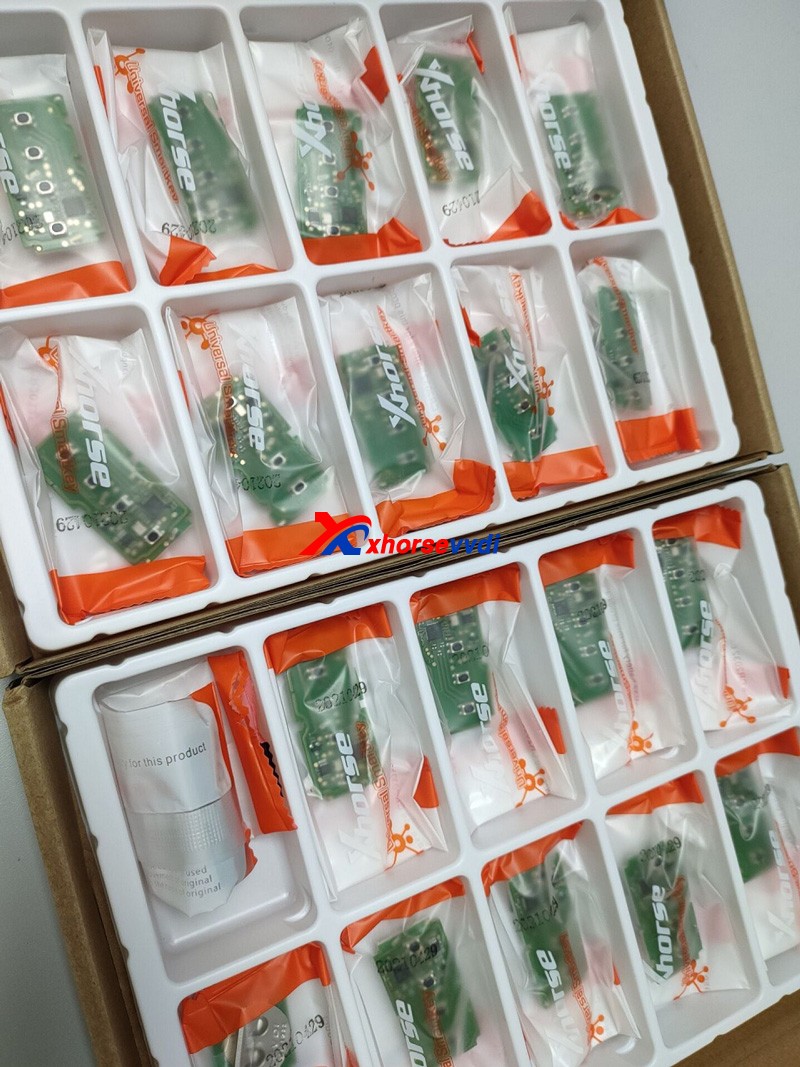
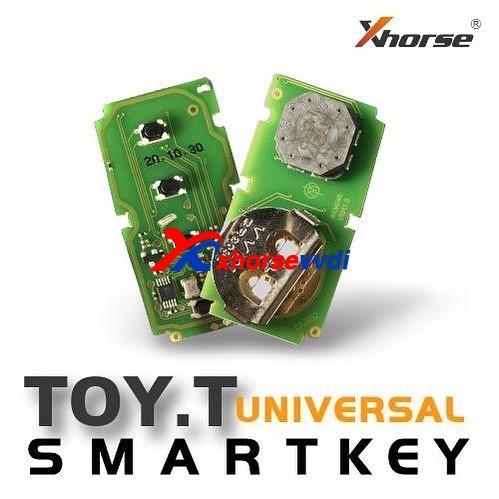
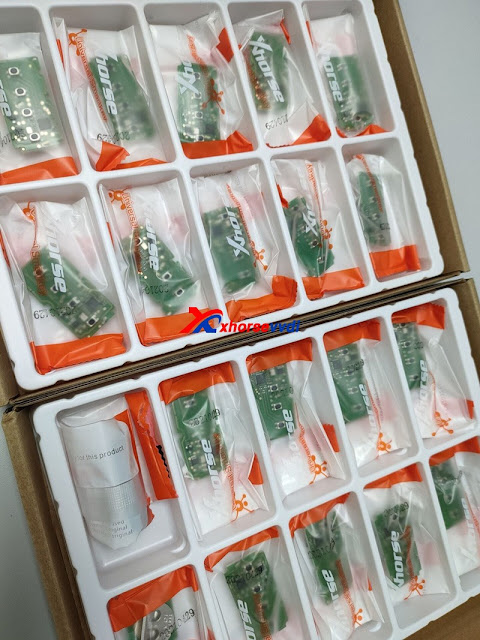
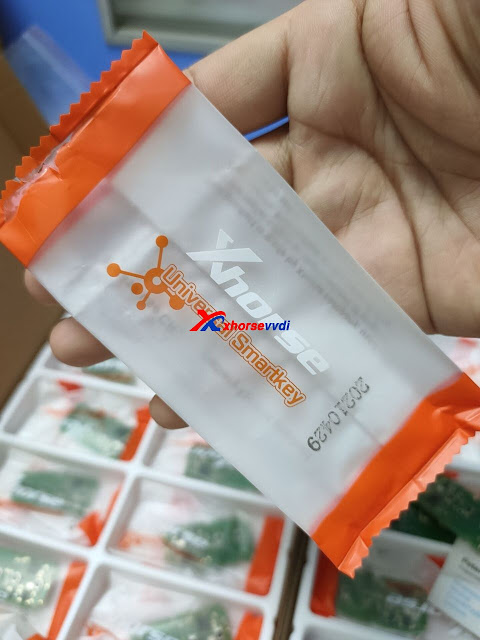
Look at TOY.T Universal Smart Key :
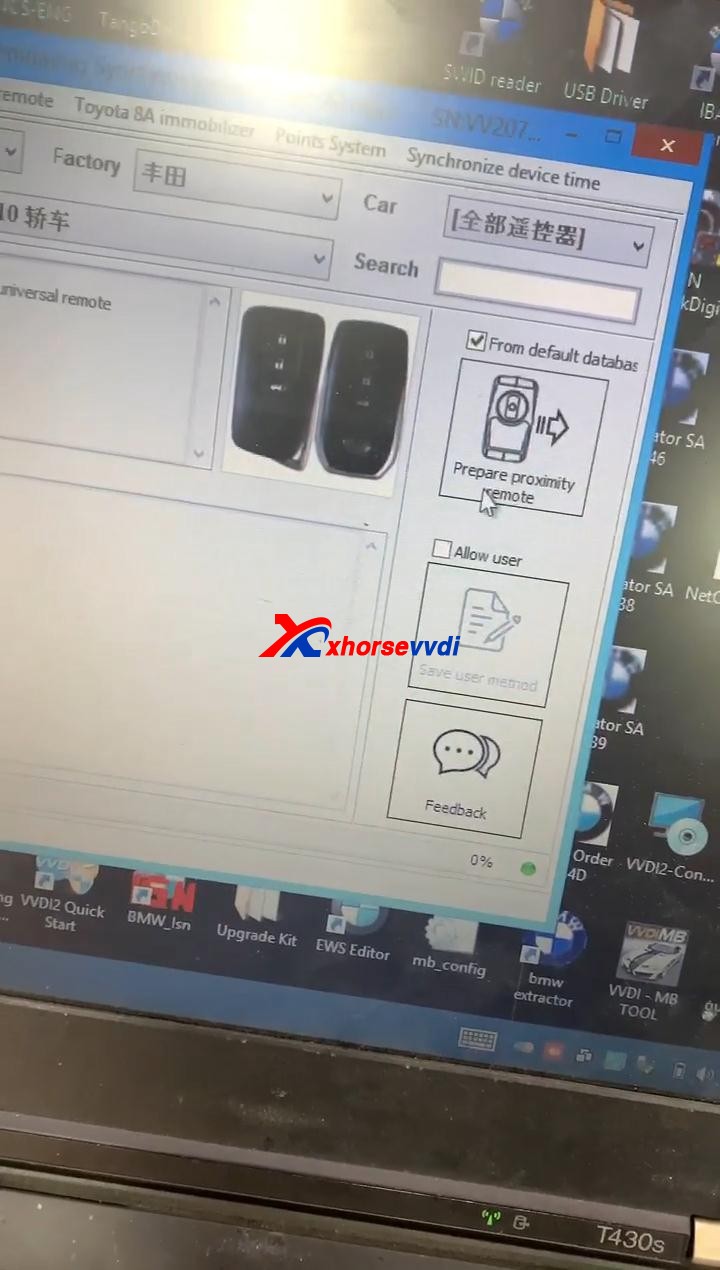
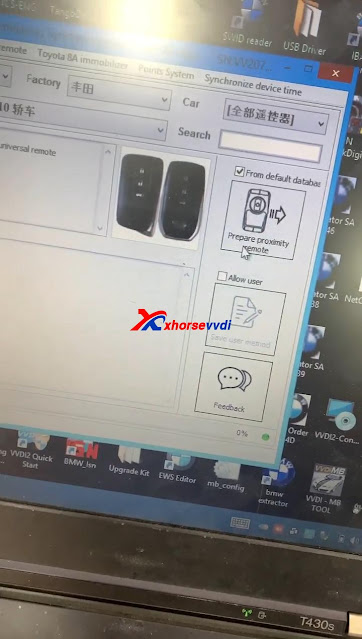
Open Xhorse VVDI2 software, click on "Prepare proximity remote".
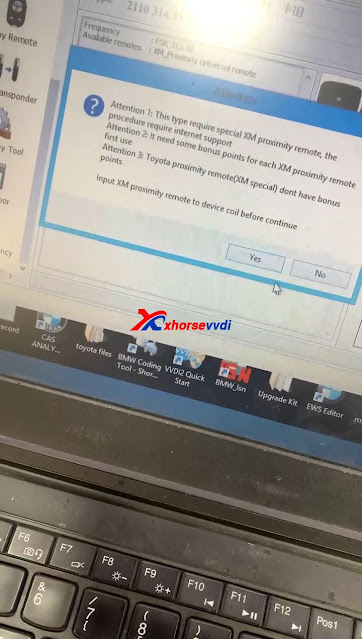
Read the following attentions and follow it:
Attention 1: This type require special Xhorse XM Smart Key, the procedure require internet support.
Attention 2: it needs some bonus points for each XM Proximity remote first use.
Attention 3: Toyota Proximity remote (XM special) don't have bonus points.
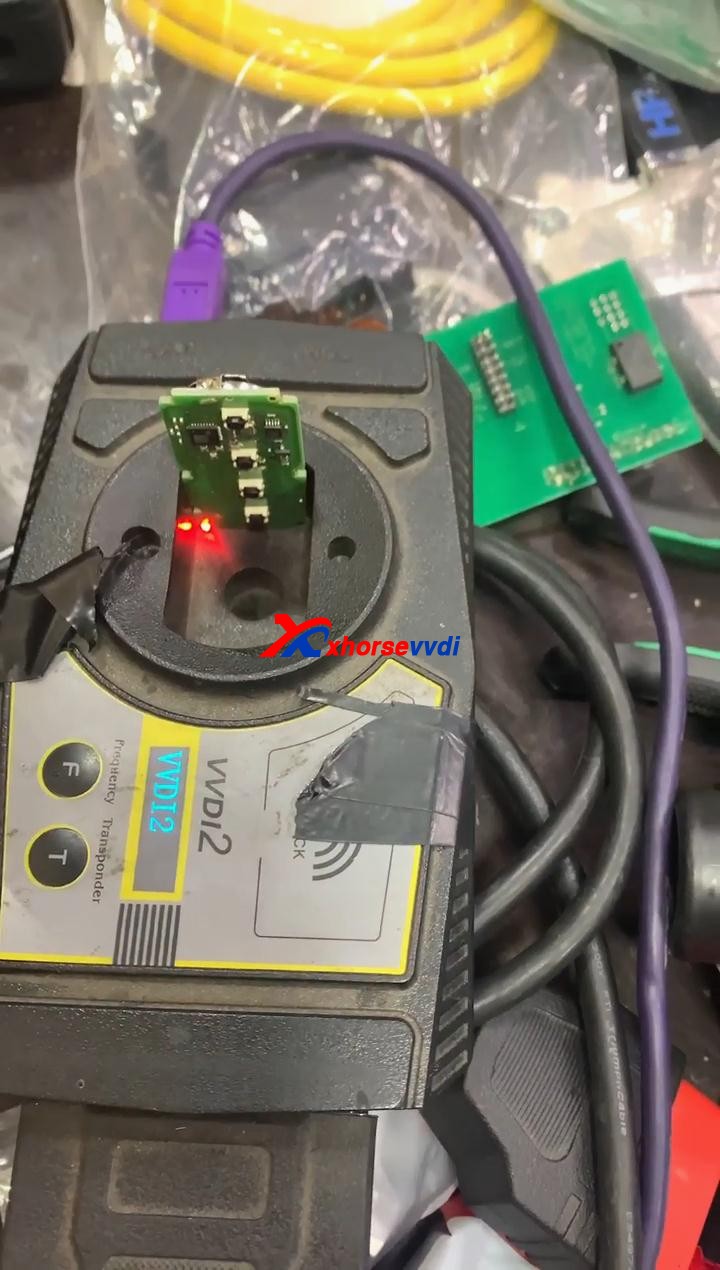
Input XM proximity remote to device coil before continue.
After reading the above attention, click on "Yes".
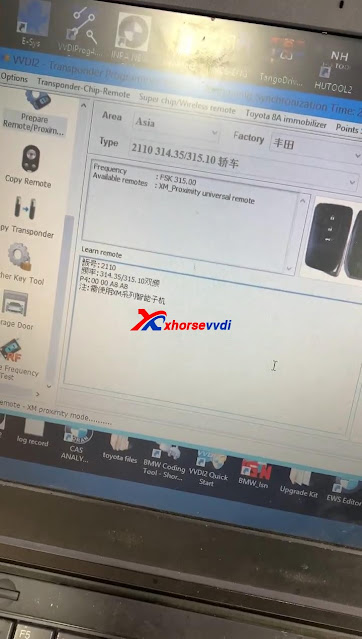
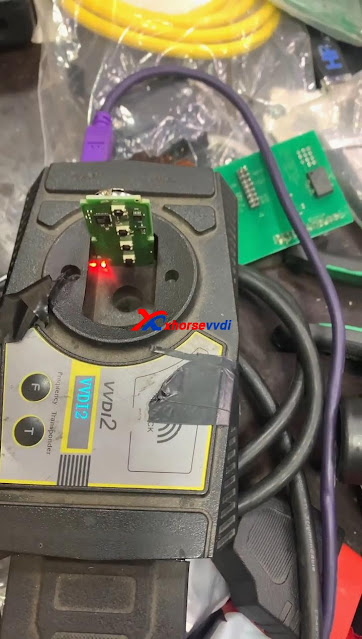
Synchronize with server.
Please wait...
Query result...
Calculating, require 5 seconds, query after 10 seconds... (Cannot be cancelled)
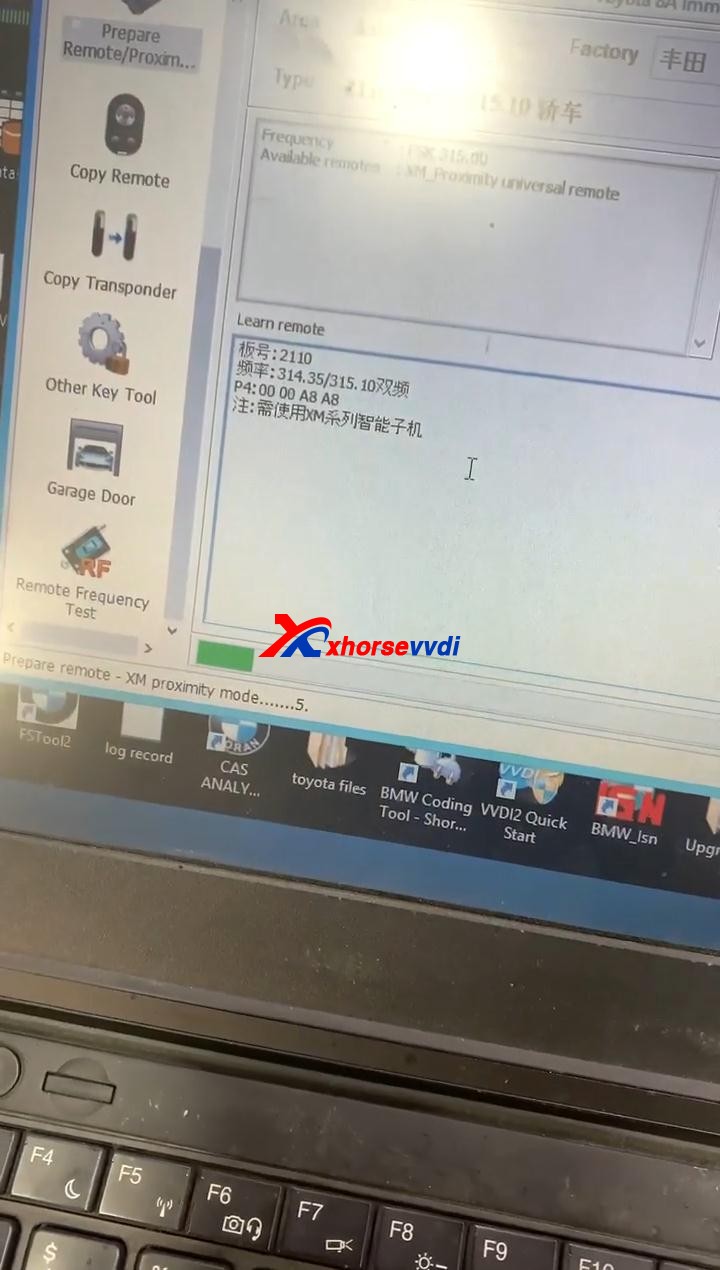
Prepare remote - XM proximity mode...5
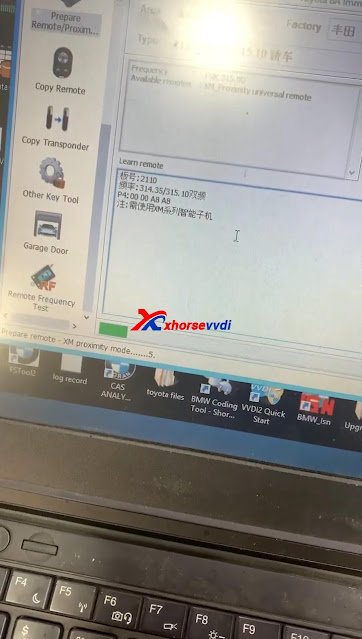
Enjoy!
TOY.T Universal Smart Key is available here:
https://www.xhorsevvdi.com/wholesale/xhorse-smart-key-for-toyota.html
Source:http://blog.xhorsevvdi.com/how-to-generate-toyota-xm-remote-with-vvdi2-and-toyt/


 字體:小 中 大