As known, we already released multiple adapters for Xhorse Mini PROG, let’s have a look at what they look take BMW CAS4+ and Land Rover RFA for example. And then demonstrate how easy Mini Prog is used.
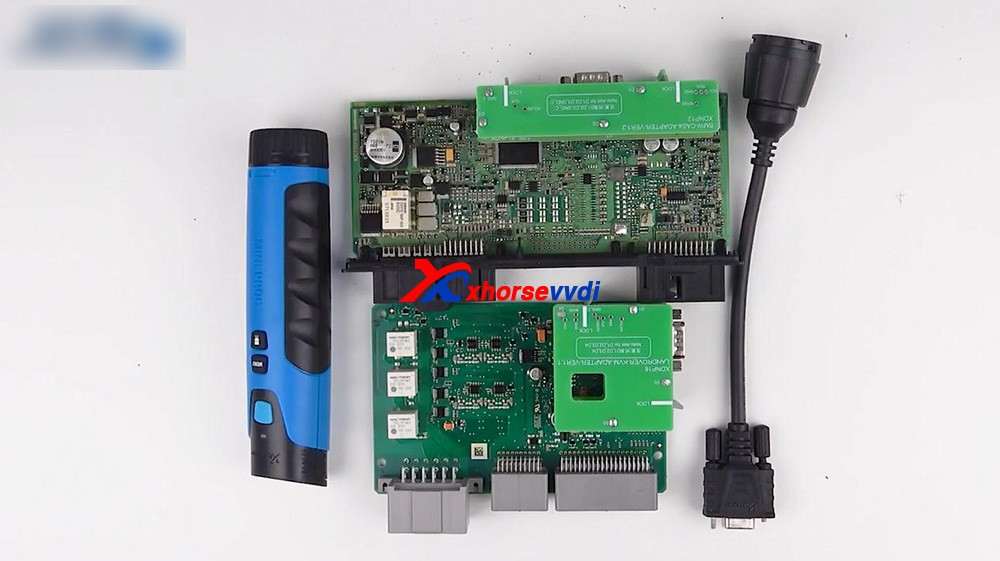
Here we go:
Connect Mini Prog and the cable, after inserting it, just roll Mini Prog to lock it.
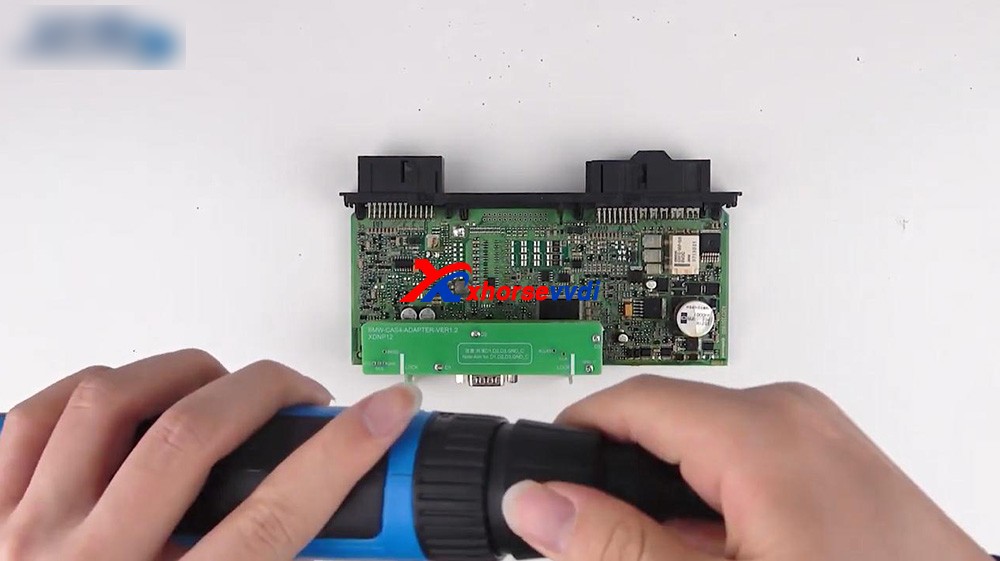
1. Firstly, read the CAS4 in BMW by Mini Prog.
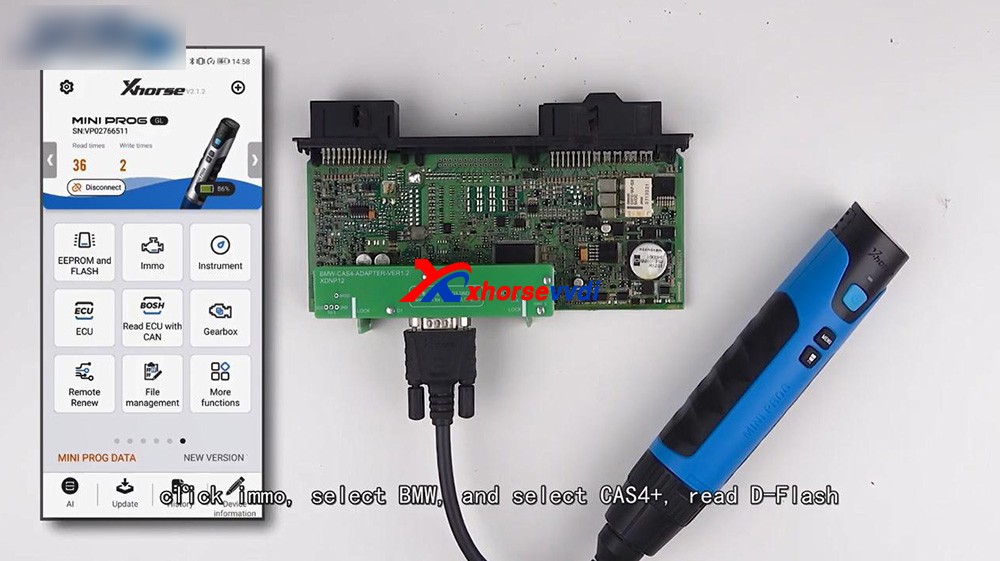
It is very easy, just connect Mini Prog with the BMW CAS4+ adapter via cable and pay attention to the position of plug.
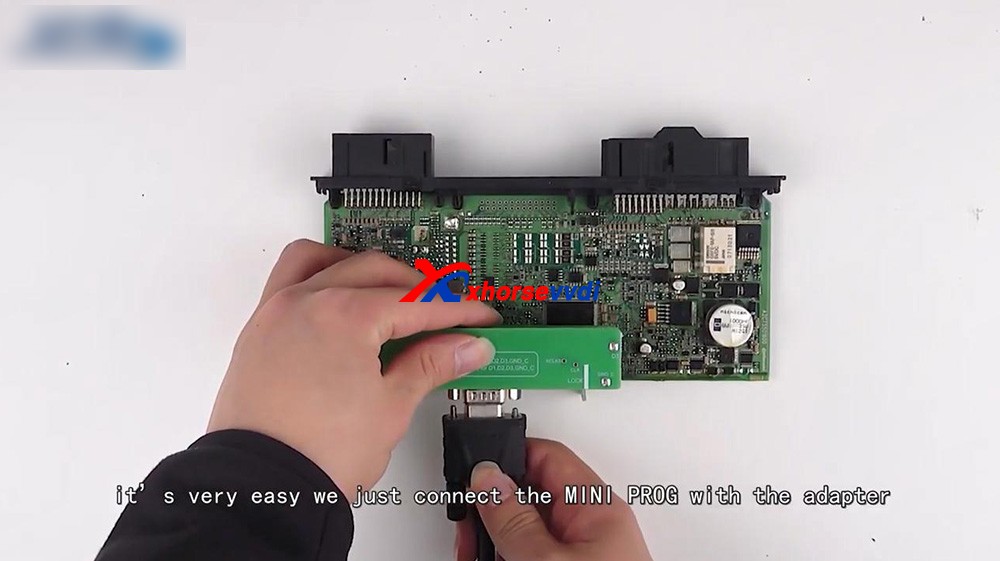
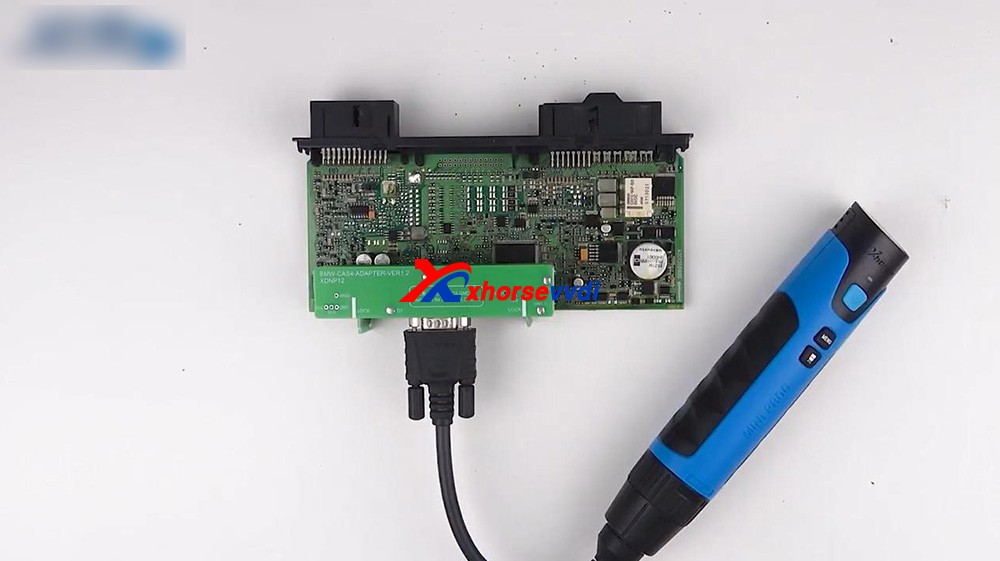
After that, we operate in Xhorse Application.
Connect Mini Prog to phone via Bluetooth.
Click on "Immo", select "BMW" and select "CAS4+" to read D-flash.
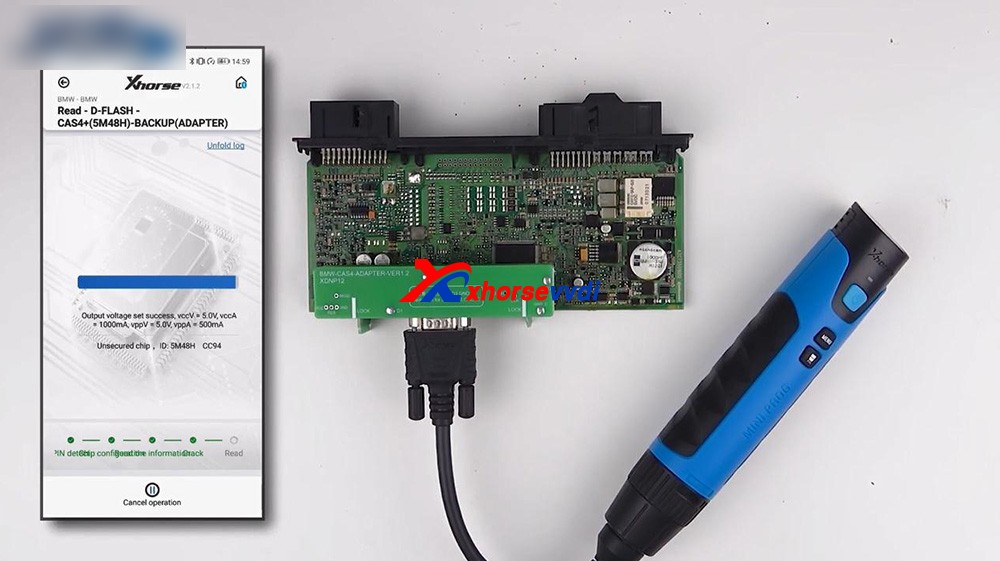
Okay, you can rename the file and find it in file management.
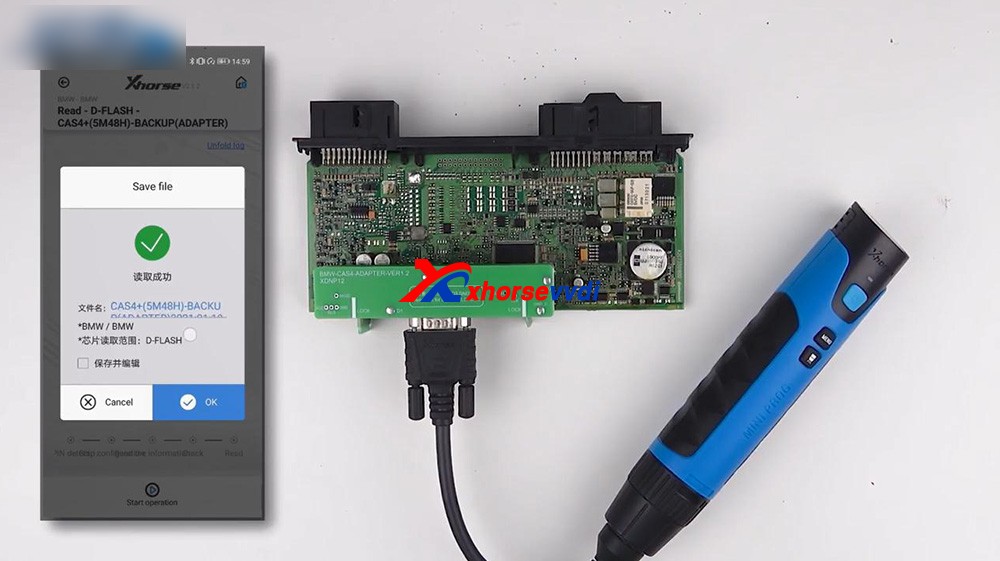
After we get the data, we can load it to VVDI2 which will help us program the key.
For your information, if all keys lost you should get ISN from the engine.
Next is back to Mini Prog menu and select "File management", click on "Local File", and then "Mini_Prog" folder, then "CAS4 df.bin" is contained.
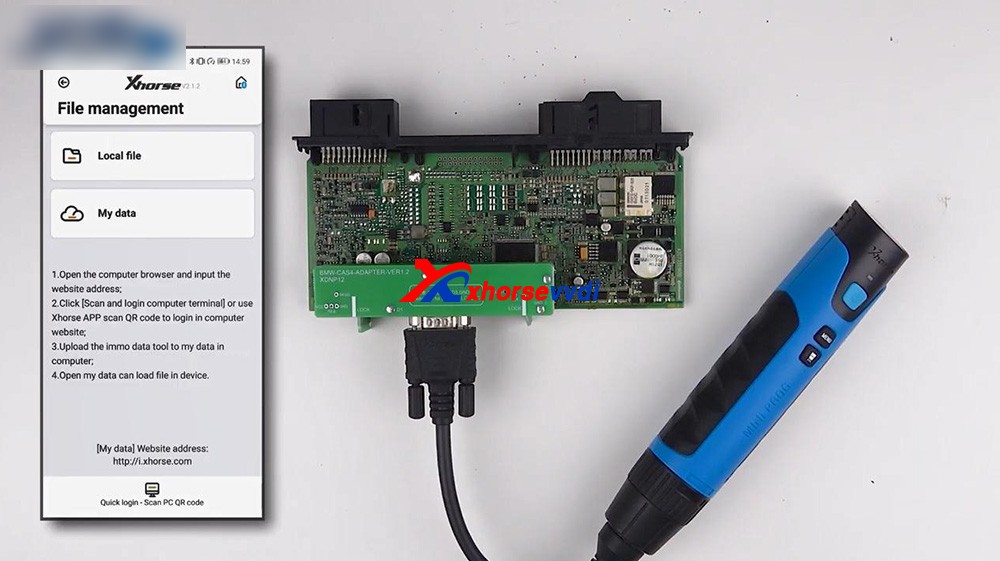
2. Next one is the RFA of Land Rover.
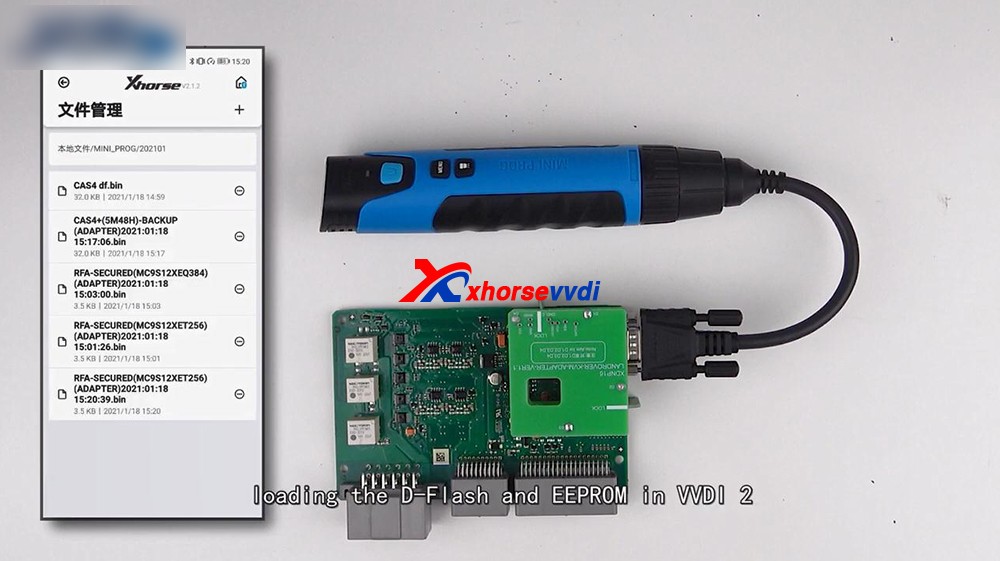
Let's take a look at the Land Rover RFA adapter connected to the PCB, it's very stable.
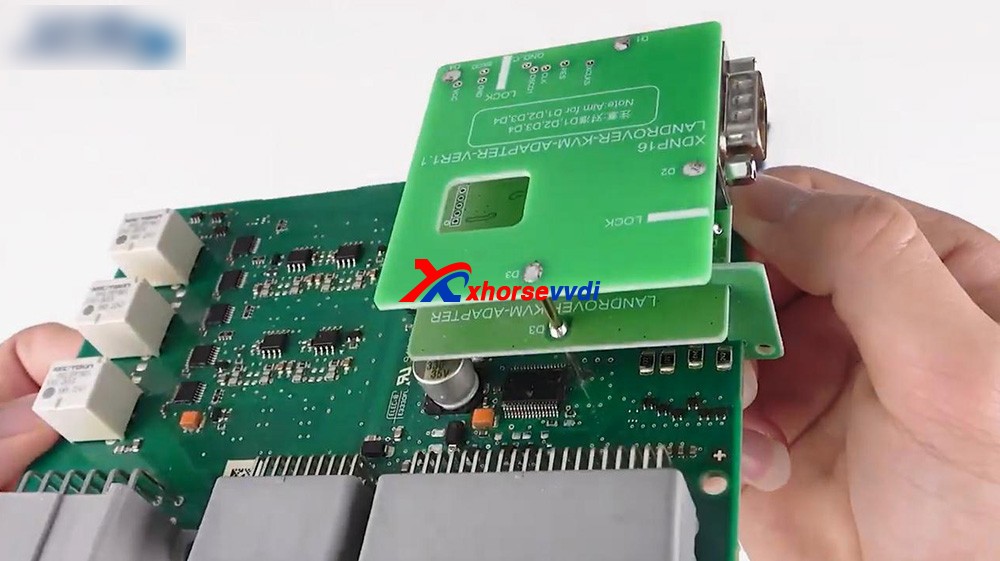
Then connect Mini Prog to the adapter.
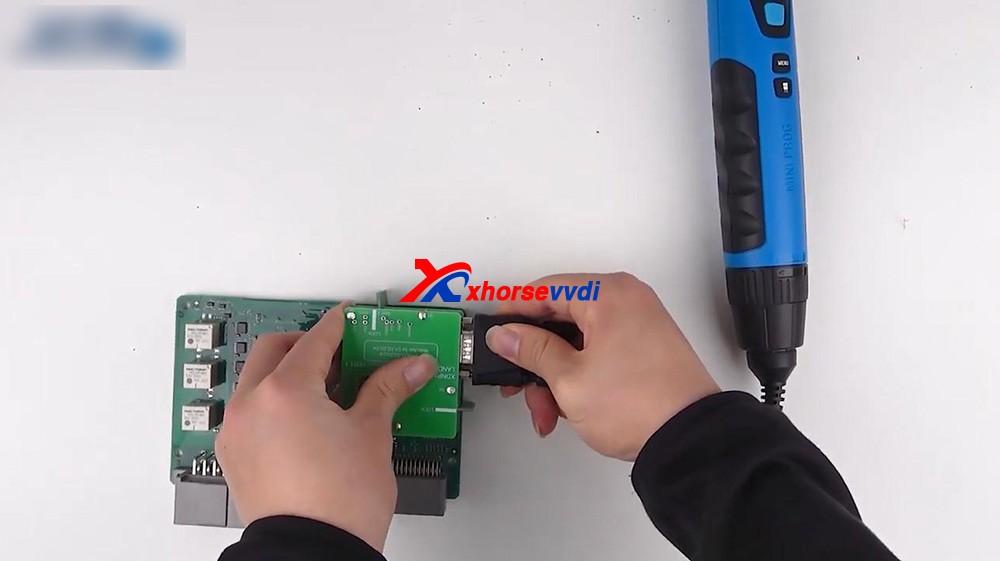
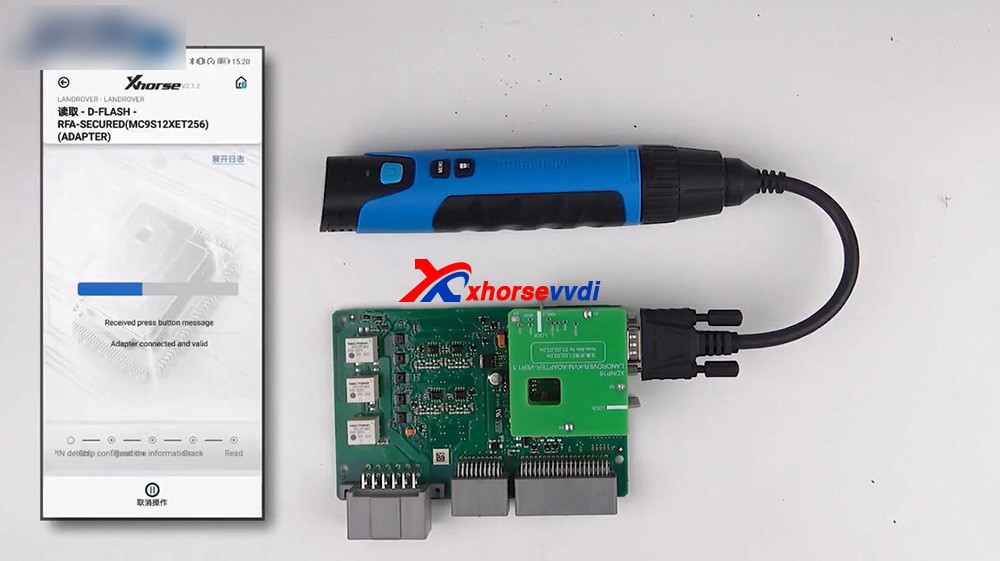
Click on "Immo", select "Land Rover" and select RFA, read the D-FLASH and EEPROM.
Now we have the D-flash data of Land Rover.
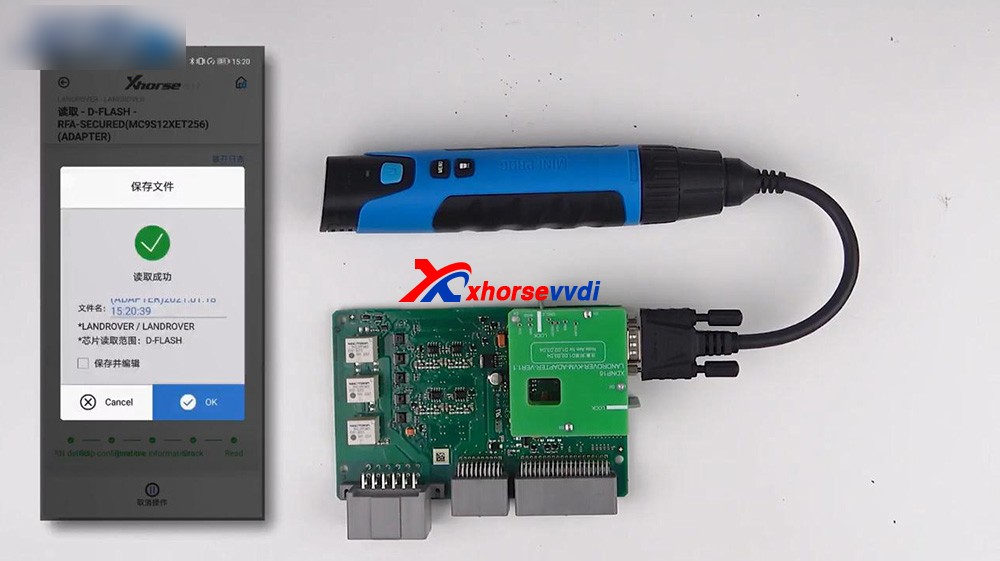
We can also find the file in "File Management".
3. Loading the D-flash and EEPROM in VVDI2, and you can program the key for Land Rover.
Alright, thanks.
Sharing a trust web:https://xhorsesupport.blogspot.com


 字體:小 中 大


