網路城邦
上一篇 回創作列表 下一篇   字體:
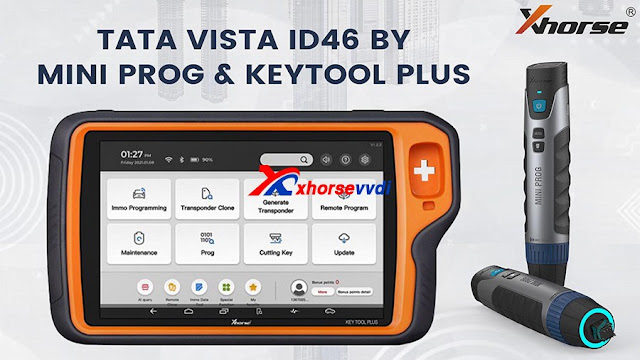
Xhorse VVDI Keytool Plus and Mini Prog Program Tata Vista ID46 AKL
2021/04/25 10:36:25瀏覽146|回應0|推薦0

Have Tata Vista ID46 with all keys lost to program with Xhorse VVDI KEY TOOL PLUSMINI PROG and VVDI Super chip. This article is available with the procedure.
Xhorse VVDI Keytool Plus and Mini Prog Program Tata Vista ID46 AKL 01


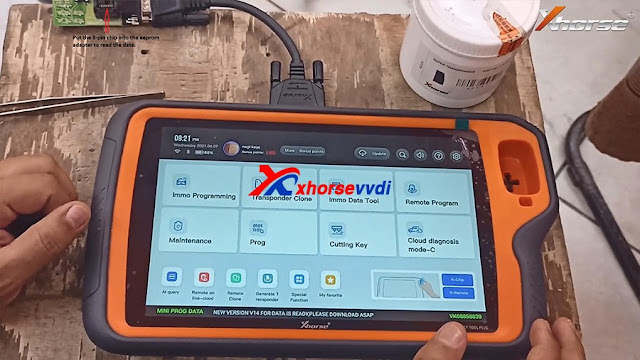
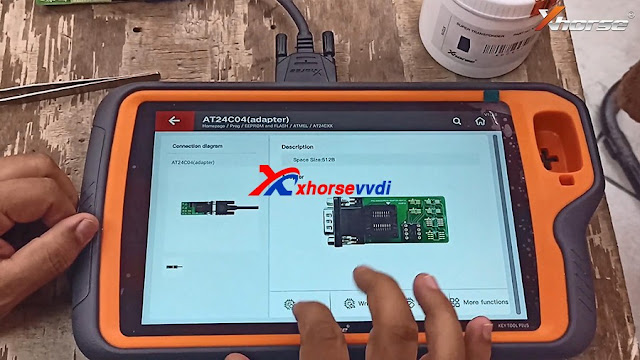
1. Remove the 8-pin chip through the air gun, and then put the 8-pin chip into the eeprom adapter to read the data.

Xhorse VVDI Keytool Plus and Mini Prog Program Tata Vista ID46 AKL 02

Xhorse VVDI Keytool Plus and Mini Prog Program Tata Vista ID46 AKL 04

Xhorse VVDI Keytool Plus and Mini Prog Program Tata Vista ID46 AKL 05

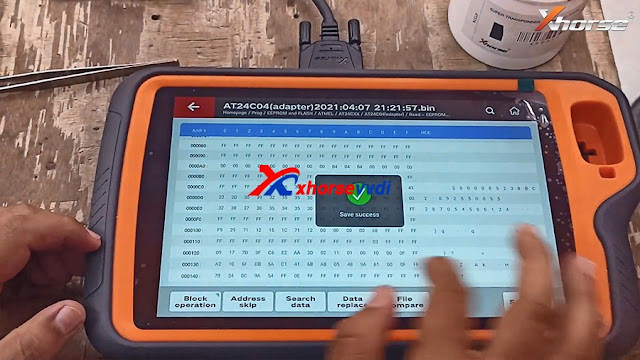
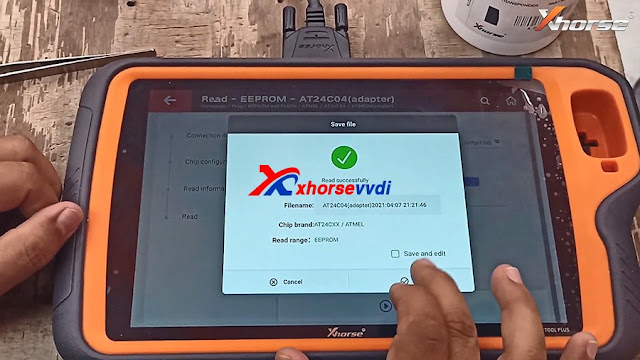
2. Tap "Prog" -> EEPROM and Flash-> Brand List -> ATMEL AT24CXX -> AT24C04 (adapter) ->Read -> EEPROM -> Start Operation -> Read successfully and tap "Ok".
Xhorse VVDI Keytool Plus and Mini Prog Program Tata Vista ID46 AKL 06

Xhorse VVDI Keytool Plus and Mini Prog Program Tata Vista ID46 AKL 08

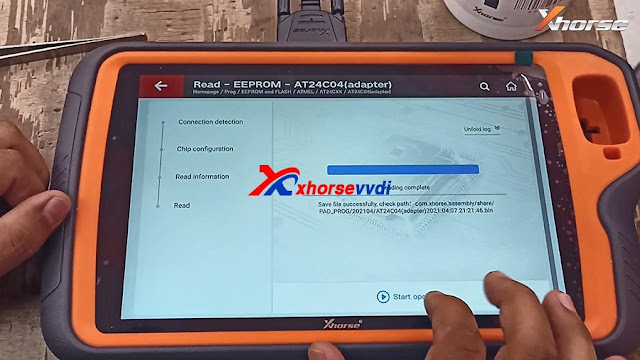
Read complete, click on "Start operation"to check the path.

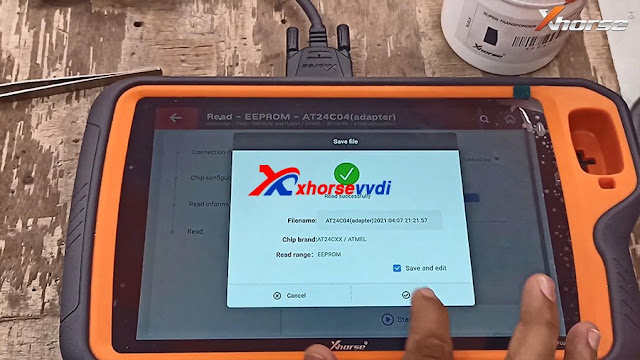
Read again and save the data.

The reason for reading the data twice: In case the data read out for the first time is incorrect or incomplete, compare the data read out twice, confirm that there is no problem, and then proceed to the next step.
Xhorse VVDI Keytool Plus and Mini Prog Program Tata Vista ID46 AKL 09


Xhorse VVDI Keytool Plus and Mini Prog Program Tata Vista ID46 AKL 08
Xhorse VVDI Keytool Plus and Mini Prog Program Tata Vista ID46 AKL 10


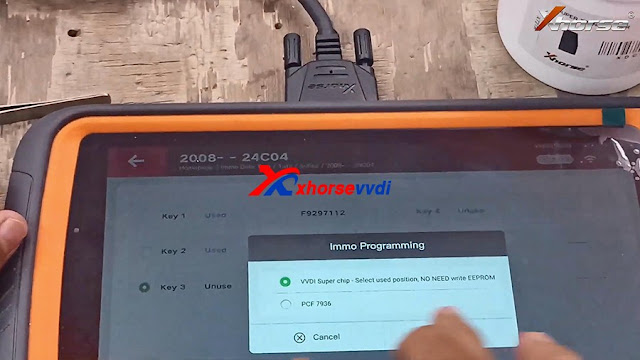
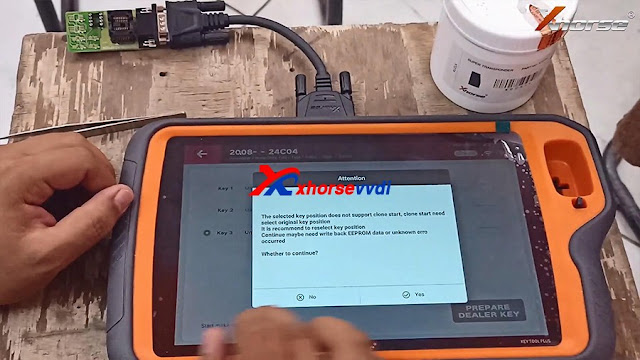
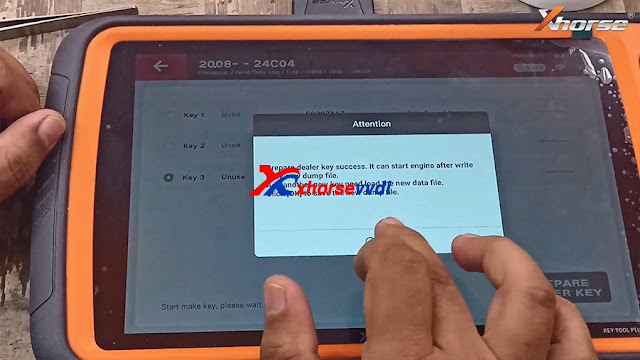
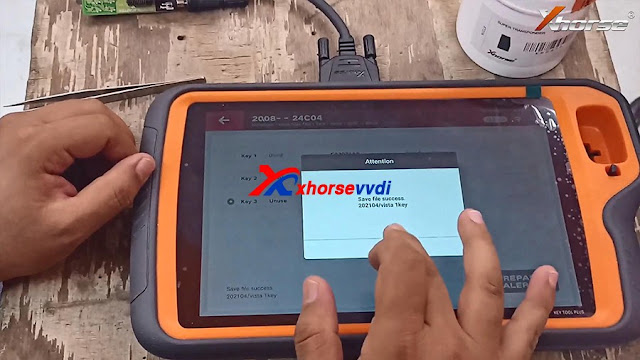
3. Back to the home menu, click on "Immo Data Tool" ->Asia -> Tata ->India -> 2008 --24C04 -> Begin > internal storage -> Tick off Key 3 and insert VVDI Super chip into the keyhole -> Prepare dealer key success -> Click on "Save here" and input the filename.
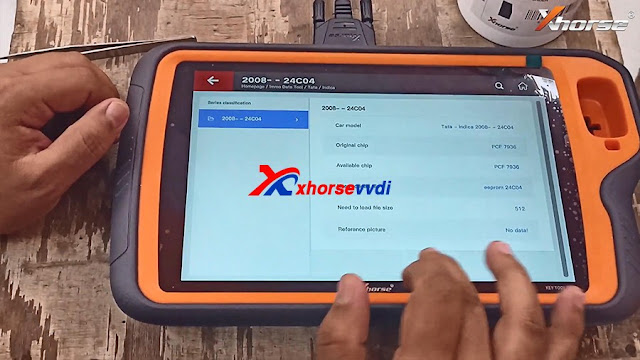
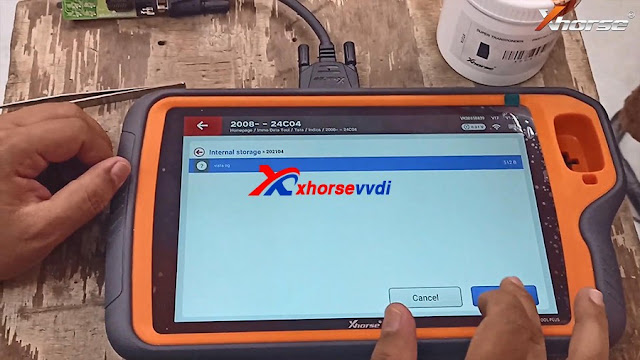
Xhorse VVDI Keytool Plus and Mini Prog Program Tata Vista ID46 AKL

Xhorse VVDI Keytool Plus and Mini Prog Program Tata Vista ID46 AKL 12

Xhorse VVDI Keytool Plus and Mini Prog Program Tata Vista ID46 AKL 13

Xhorse VVDI Keytool Plus and Mini Prog Program Tata Vista ID46 AKL 14

Xhorse VVDI Keytool Plus and Mini Prog Program Tata Vista ID46 AKL 15

Xhorse VVDI Keytool Plus and Mini Prog Program Tata Vista ID46 AKL 16


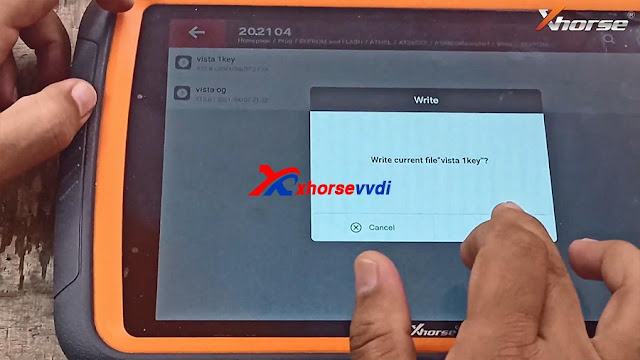
4. Back to tap "Prog" -> EEPROM and FLASH -> ATMEL -> AT24CXX -> AT24C04 (adapter) -> Read -> EEPROM-> Begin -> Select write file -> Tap "Yes" to write current file "Vista 1key" -> Begin -> Write completely. 
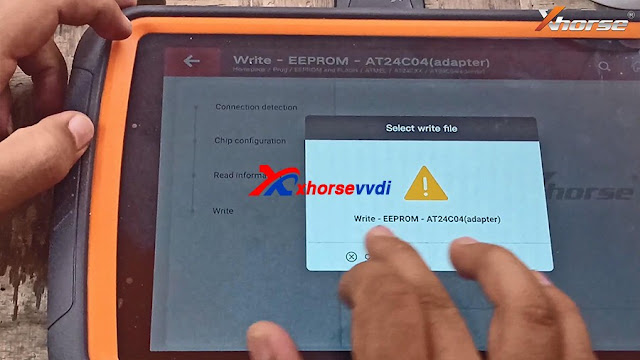
Xhorse VVDI Keytool Plus and Mini Prog Program Tata Vista ID46 AKL 17

Xhorse VVDI Keytool Plus and Mini Prog Program Tata Vista ID46 AKL 18

Xhorse VVDI Keytool Plus and Mini Prog Program Tata Vista ID46 AKL 19


Job is done!


www.xhorsevvdi.com

( 心情隨筆工作職場 )
回應 推薦文章 列印 加入我的文摘
上一篇 回創作列表 下一篇

引用
引用網址:https://classic-blog.udn.com/article/trackback.jsp?uid=obdscanner&aid=162006908