


 字體:小 中 大
 |
|
|
|
| 2021/05/11 17:00:13瀏覽203|回應0|推薦0 | |
Today, xtool.co.uk is gonna make a key (not smart key) for 2017 Renault Duster (Dacia) with XTOOL X100 PAD3 (X100 PAD Elite) via OBD.
We need to prepare the following devices for Duster (Dacia): Car: 2017 Renault Duster (Dacia) One original car key (working key) One new blank key want to be programmed Device: XTOOL X100 PAD3 Auto Key Programmer 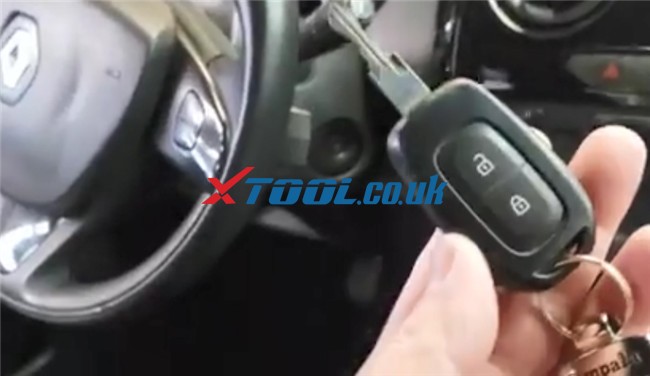 Operation guide: After connecting X100 PAD3 to the vehicle via main cable, enter “Diagnosis” function Select “Immobilization”-> “BRAZIL RENAULT” Agree with the disclaimer There are two main functions can be performed: Read Pincode and Program keys 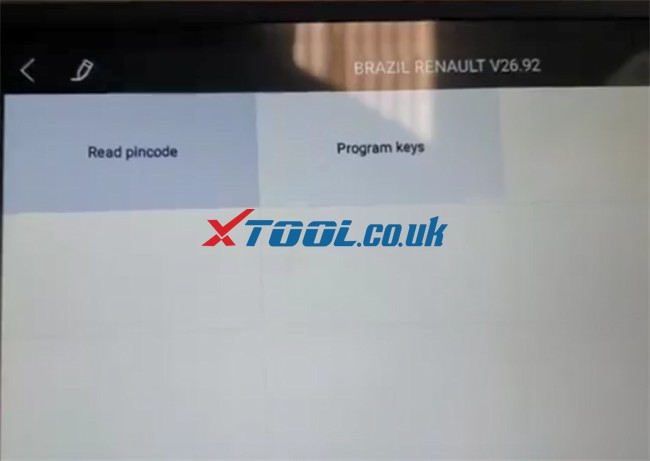 Step 1: Read Pincode Select “32 pincode” 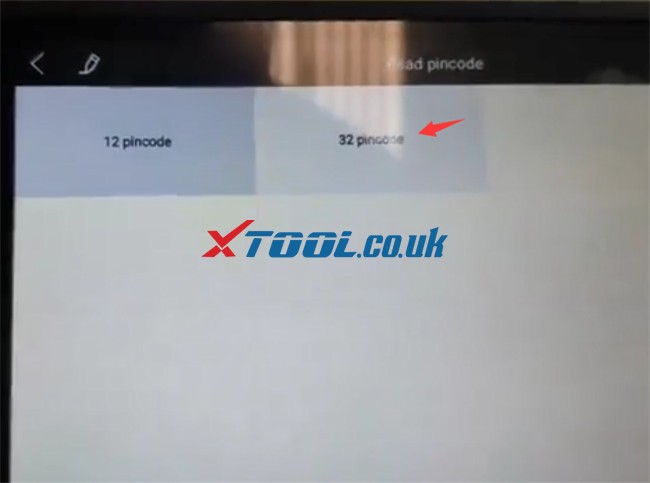 Turn ignition off and take the original key out from the ignition Turn Hazard lights on Vehicle data file is found, click “YES” to use the file to get the PIN directly. 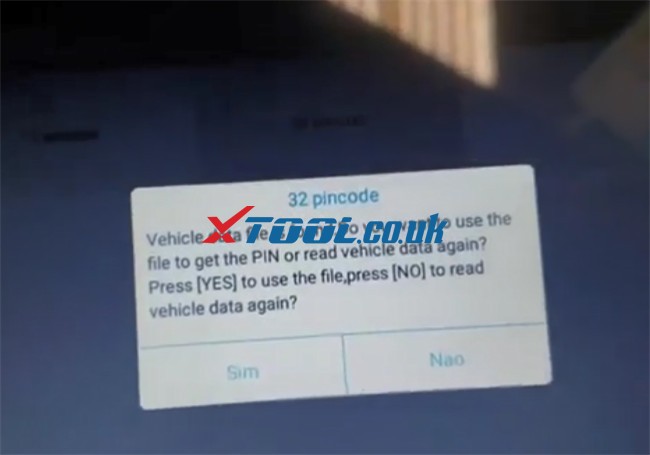 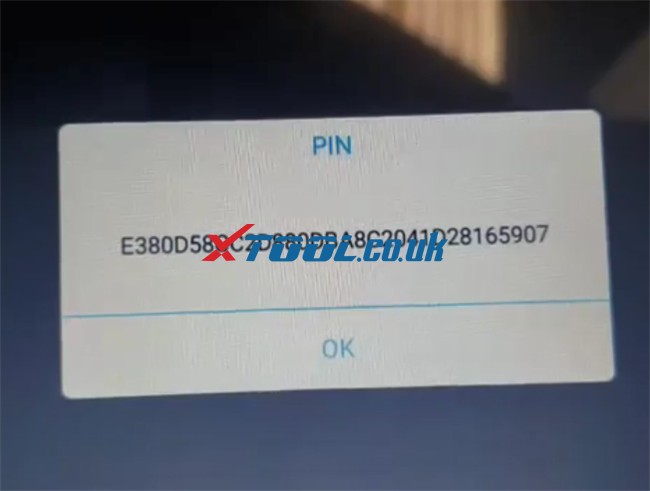 Step 2: Program keys Select “Duster (Dacia)”-> “Without smart” -> “14- ” 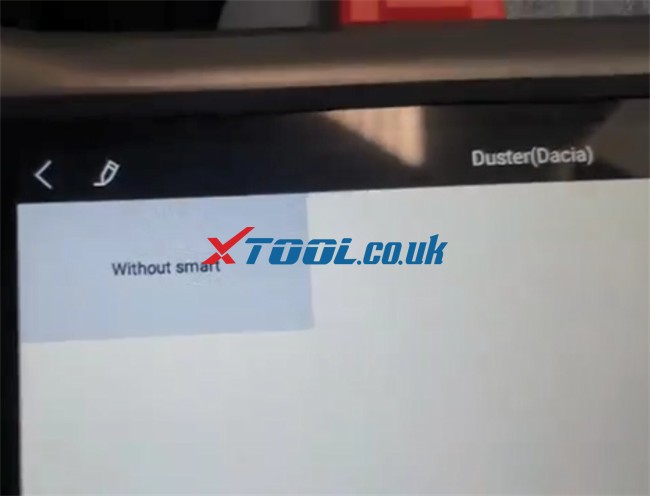 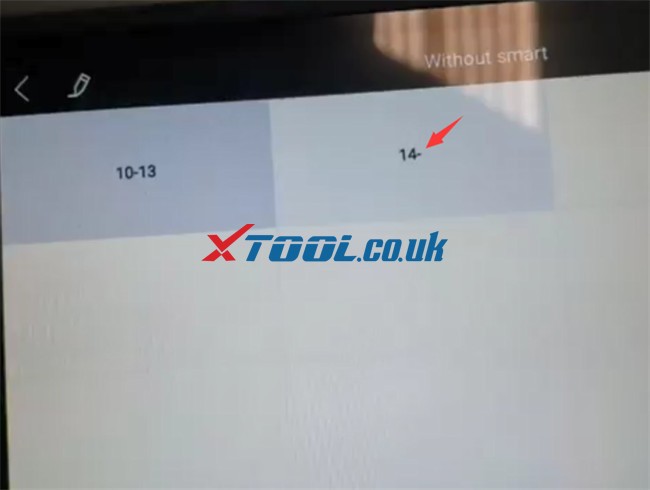 Switch ignition on Enter the 32-digit PIN automatically and confirm if it’s correct 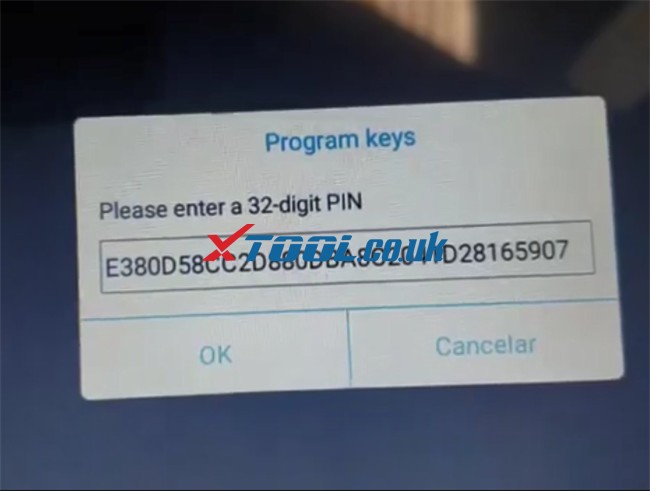 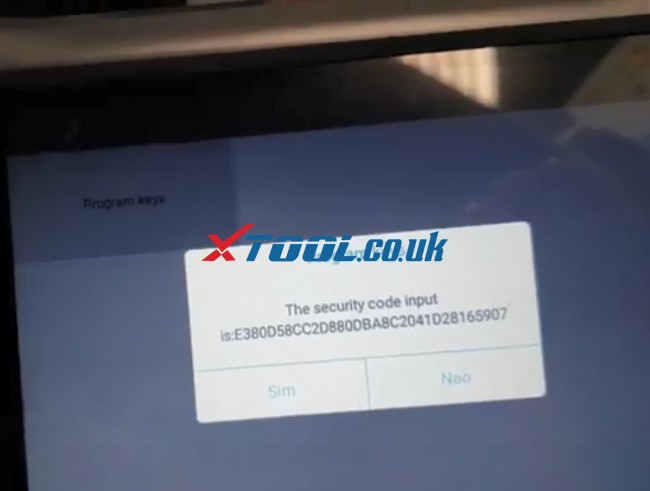 Switch ignition off and remove the key Insert the working key and switch ignition on Program successfully, then go to program the new key Remove the original key from the ignition and insert the new key, switch ignition on Program the key successfully 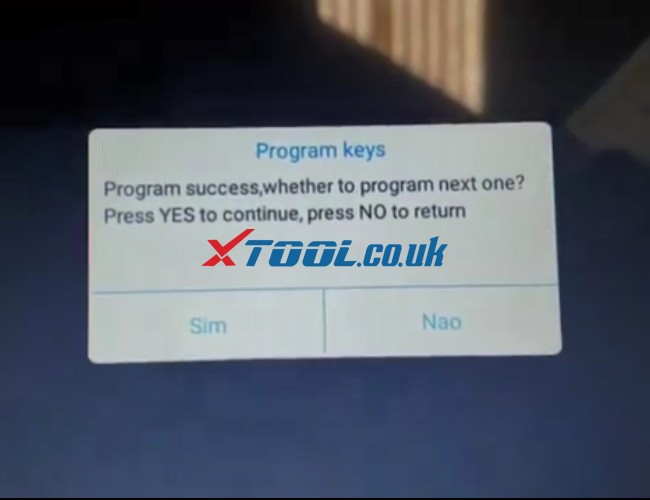 Switch ignition off and wait for 5 seconds and switch ignition on Now the number of keys in memory is 2. 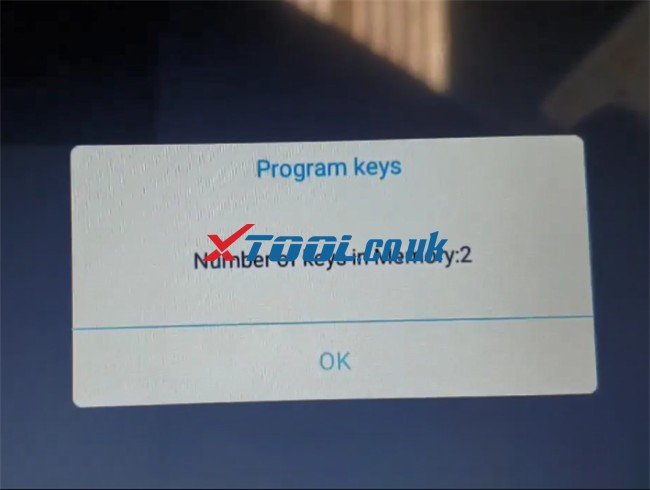 Key programming is done. 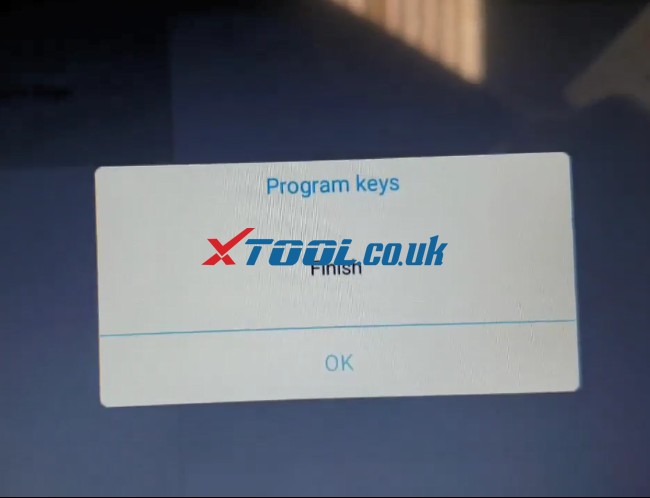 Finally, use the original key and new key programmed to start the car, both work! Awesome! X100 PAD Elite tablet key programmer add new key to 2017 Renault Duster (Dacia) successfully! Moreover, xtool x100 pad3 also perfectly add new key to 2009 Renault Clio and Renault Duster 2010- 2013. Reference: 2009 Renault Clio Remote Key Programming Done by XTool X100 Pad3 Renault Duster 2010-2013 Key Programming AKL by XTOOL X100 Pad3 |
|
| ( 心情隨筆|工作職場 ) |


