字體:小 中 大
 |
|
|
|
| 2020/08/23 14:21:40瀏覽41|回應0|推薦0 | |
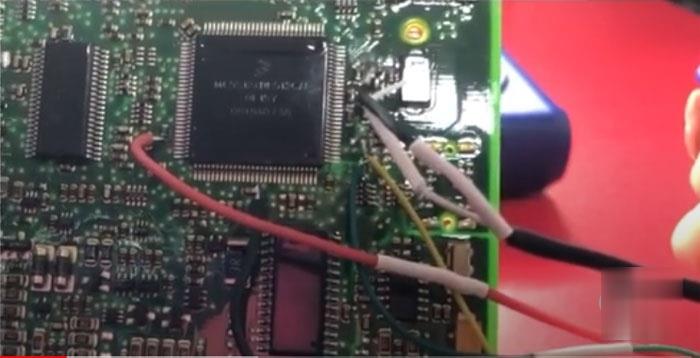
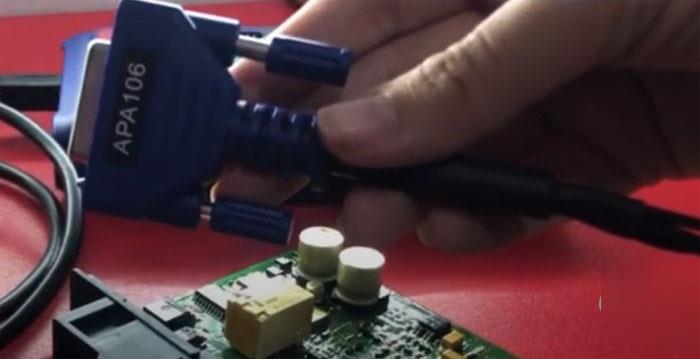
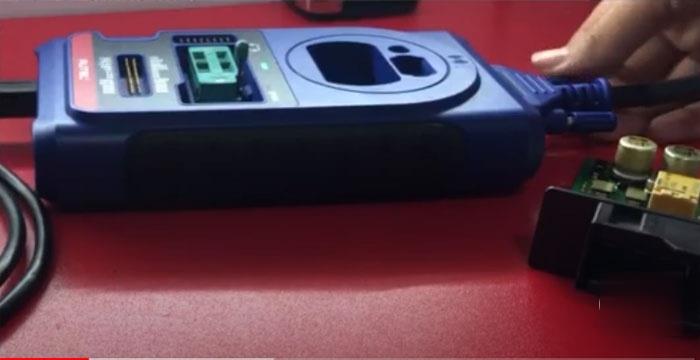
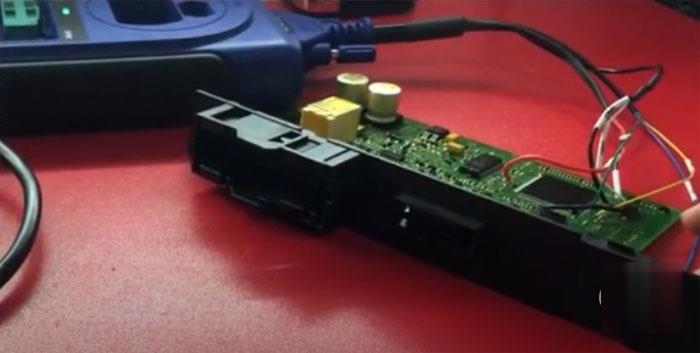
Autel XP400 chip programmer can easily do the chip read and write, key read and write on PC. Here’s the demo example on reading CAS3+ EEPROM with XP400 and write key with Xhorse VVDI2 key programmer. Step 1: Read CAS3+ EEPROM with XP400 Download XP400 software on PC Remove CAS3+ module, connect CAS3+ with XP400 programmer via APA106 adapter following the wiring diagram
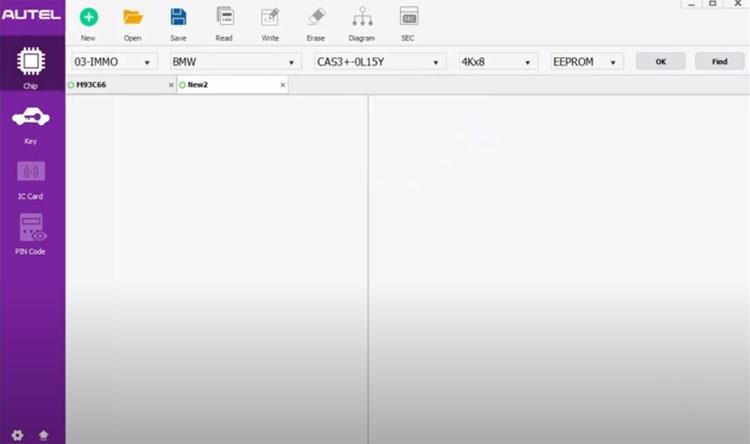
In XP400 software, select Chip function->03-IMMO->BMW-> CAS3+ 0L15Y EEPROM, press OK
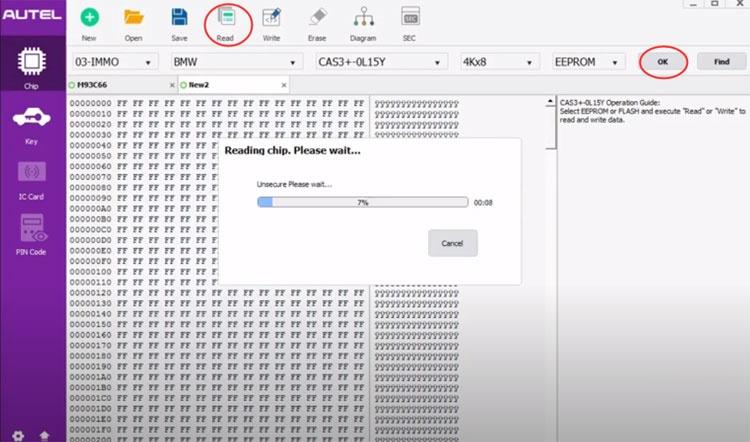
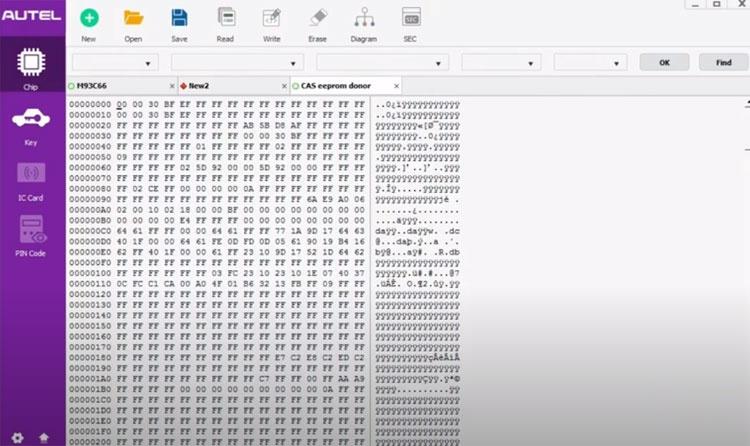
Read EERPOM and save dump
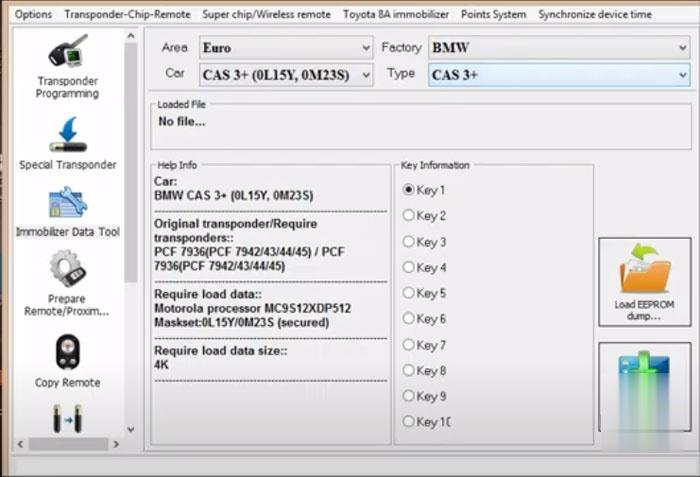
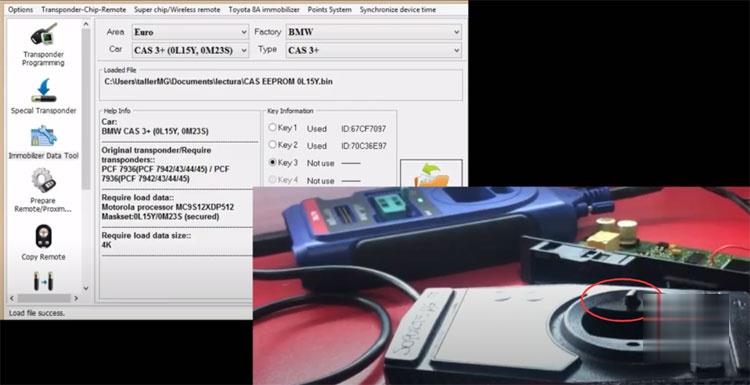
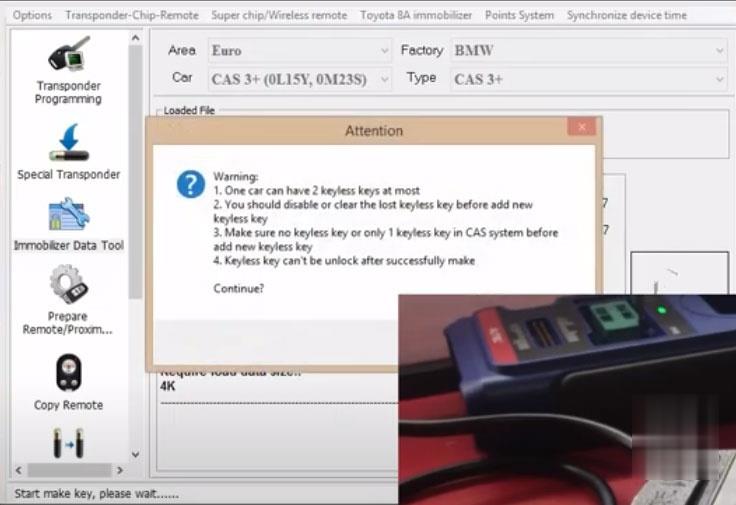
Step 2: Make dealer key with VVDI2 In Xhorse VVDI2 Transponder Programming function, select Euro->BMW->CAS3+ (0L15Y, 0M23S)
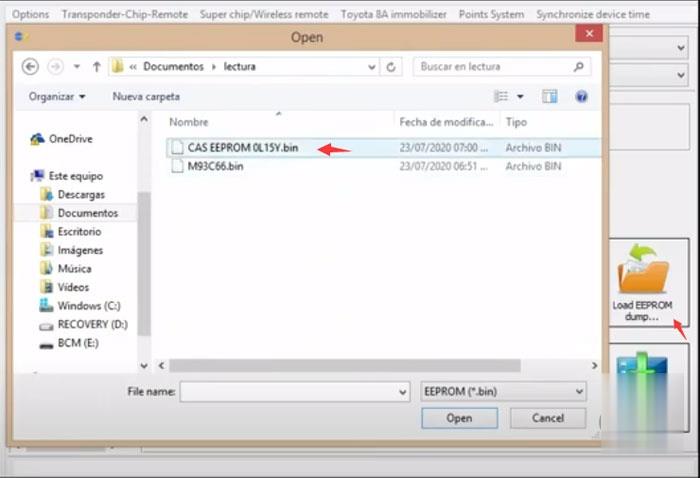
Load EEPROM dump read by XP400
Insert a vvdi super chip XT27 to vvdi2’s coil
Select an unused key position and press Make Dealer Key
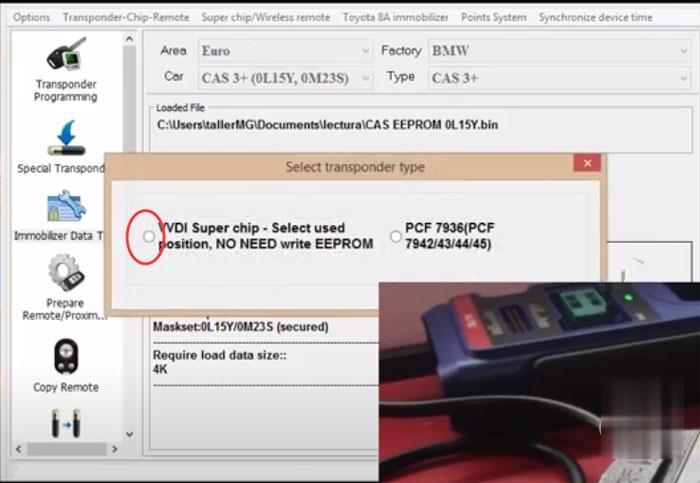
Select transponder type VVDI super chip and press OK to continue
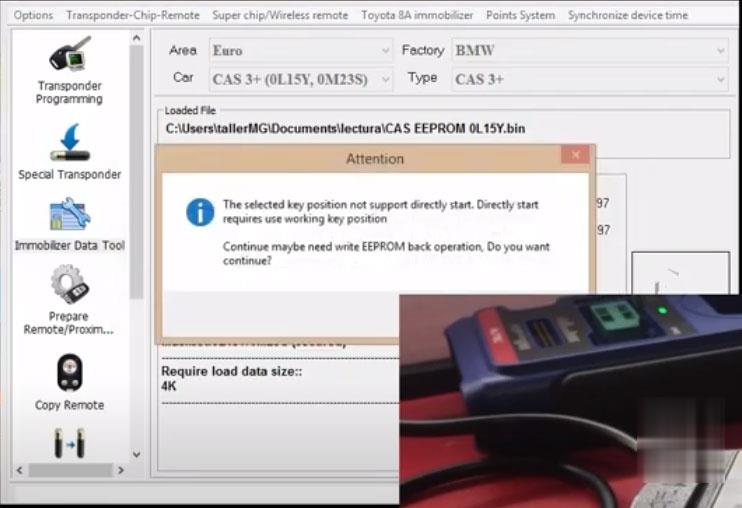
The selected key position not support directly start. To continue need write EEPROM back. Press Yes to continue.
Press Yes
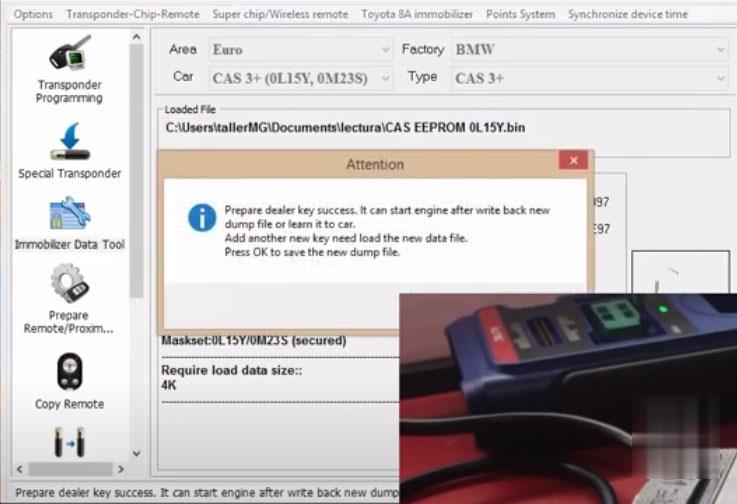
Prepare dealer key success. It can start engine after write back new dump file or learn it to car.
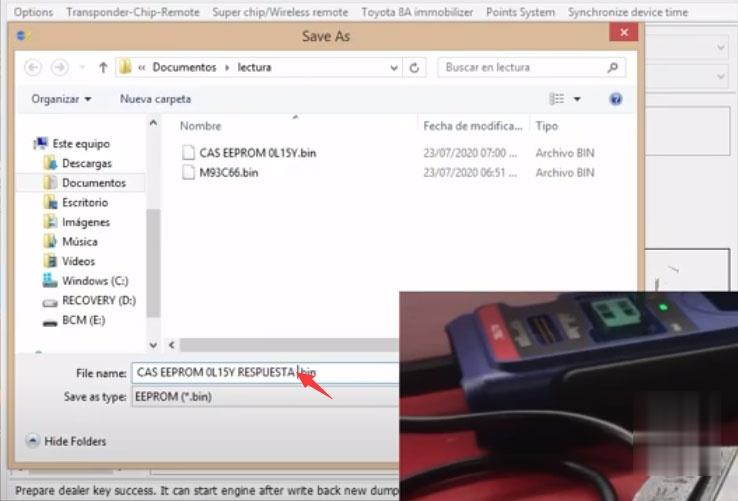
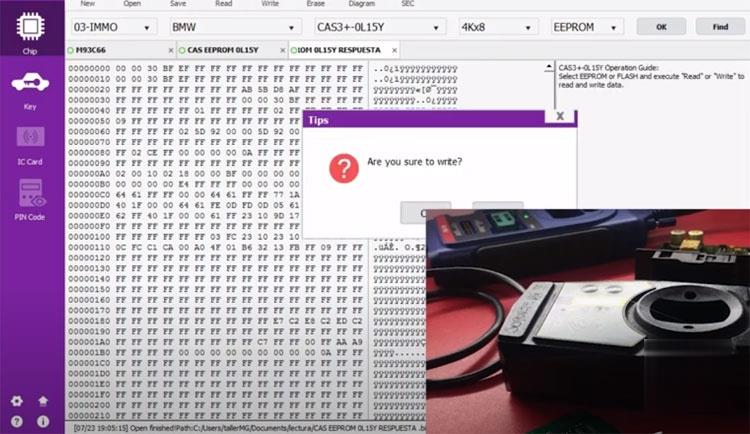
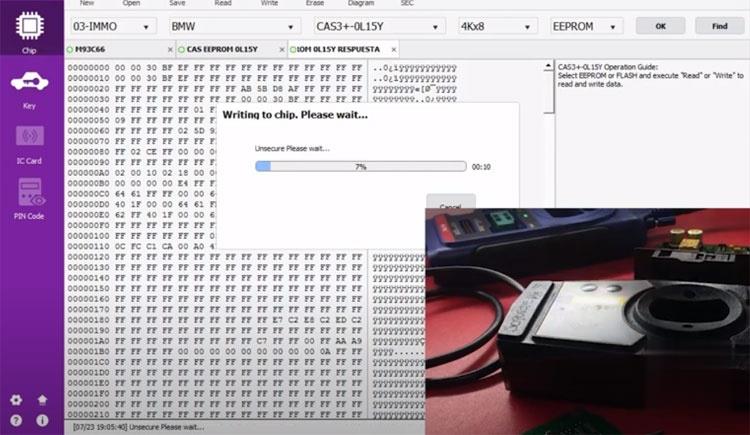
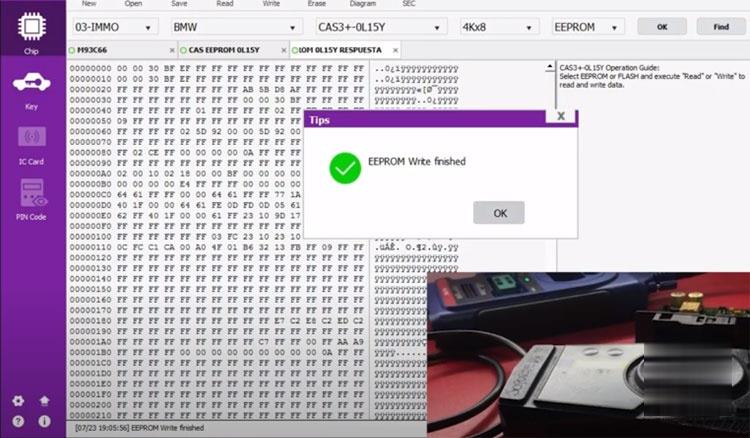
Save new key dump data. Step 3: Write Data back with XP400 Run Autel XP400 software, open new key dump data and press Write
Write EEPROM back completed.
Install CAS3+ module back to vehicle. Test new key. Done. |
|
| ( 興趣嗜好|偶像追星 ) |