字體:小 中 大
 |
|
|
|
| 2022/02/15 11:16:34瀏覽269|回應0|推薦0 | |
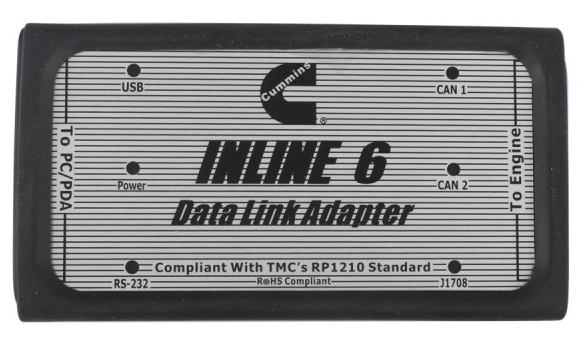
Cummins INLINE 6 Noice :
Software installation link : https://youtu.be/ANY5Q1kLj0A Steps how to install the driver : Note that on some systems the autorun settings may be set to have the installation IF YOU SEE: WINDOWS XP – A message appear stating “The software you are installing has not passed Windows Logo…” Click on”Continue Anyway”. Click on”Finish” when installation is complete. Cummins Inline 6 re-flash: 1.Download the appropriate INLINE 6 zip file by clicking on a link above (note that unless you have a 64-bit Operating System, you should use the 32-bit file). 2.Unzip and extract the executable file using zip/unzip software. 3.Click on the Windows Start menu and click Run. 4.Click on the Browse button and locate the file you have downloaded. 5.Click the OK button to install the latest INLINE 6 Driver, re-flash utility, and firmware on your PC. 3.Follow the onscreen instructions to complete the installation. 7.Connect +8 V to +50 V power to your INLINE 6 adapter through the DB25 cable you have. 8.Use your DB9F to DB9M serial cable or USB cable to connect the INLINE 6 adapter to the proper PC communication port. Follow the Driver Installation and other instructions More request to install cummins inline 6 software , welcome to contact us directly at sale@cnautotool.com , we offer technical support free |
|
| ( 興趣嗜好|偶像追星 ) |