字體:小 中 大
 |
|
|
|
| 2020/11/18 18:52:57瀏覽59|回應0|推薦0 | |
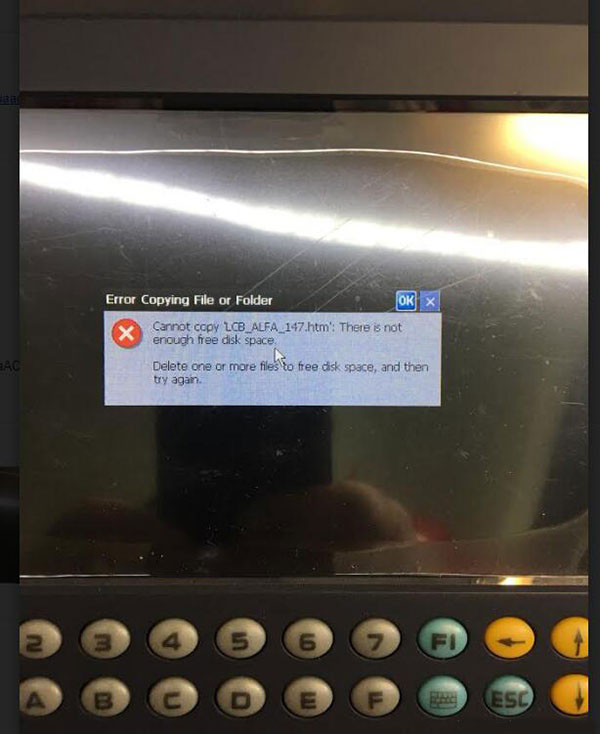
If your Yanhua Digimaster III meet error like this below:
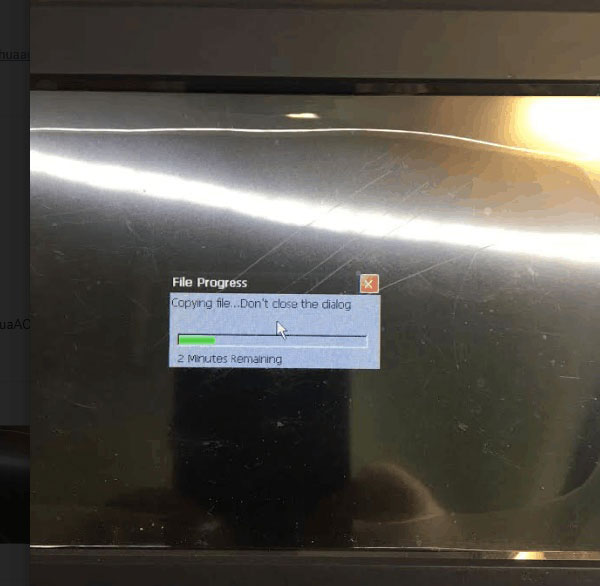
Error: Cannot copy “LCB_ALFA_147.htm”. There is not enough free disk space. Solution: 1. Turn off DigimasterIII and turn on again, when you enter Digimaster 3 system, there will be a notice asking to download a management program or black screen. Please ignore and press “keyboard” + “E” to enter the resource manager. 2. Find the “NandFlash” icon, double click “NandFlash”, delete the “YHTech” file folder. If the file folder cannot be deleted, please restart and try again. 3. After you delete the file, copy the necessary “YHTech” file folder and “NK_D3.ROM” file to SD card. 4. Press “1” + “Keyboard” and turn on the power switch, start to refresh the inner core. 5. When the inner core refresh is finished, and the Mileage Correction Digimaster III start icon can be seen, press the “F1” and “5” button in turn immediately, copy files from the SD card to FLASH. 6. When copy finished, you’ll be able to turn it on successfully. |
|
| ( 休閒生活|其他 ) |