字體:小 中 大
 |
|
|
|
| 2021/01/06 20:13:40瀏覽69|回應0|推薦0 | |
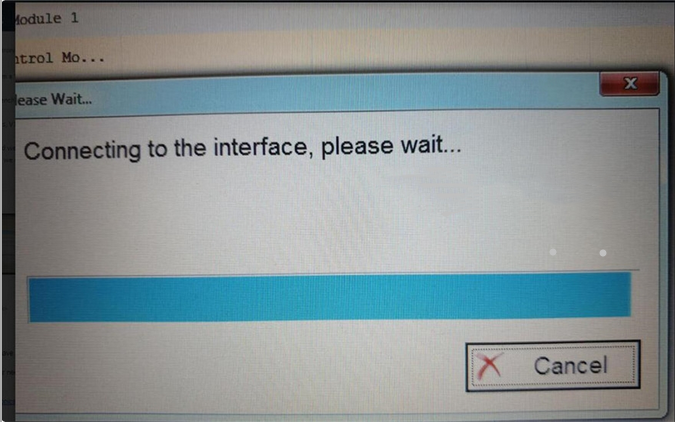
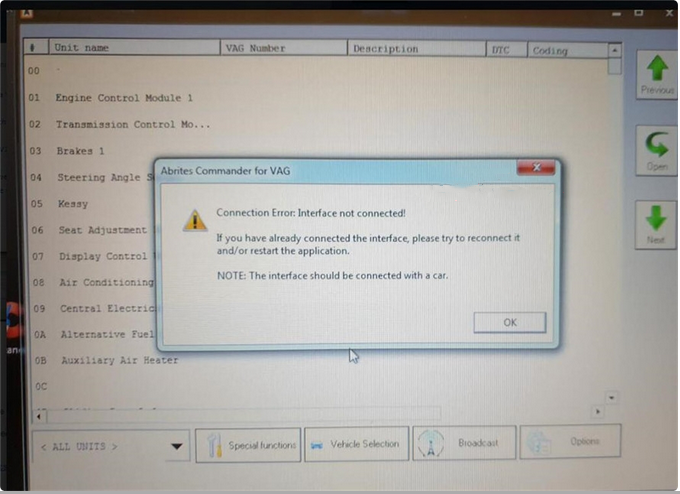
One customer gave feedback that he cannot connect to the interface when using SVCI 2020 V38.1 software to read and write CS, MAC, PIN of ECU while version V18 and V24 does work. It always says “Connecting to the interface, please wait…” and “Connection Error: Interface not connected! If you have already connected the interface, please try to reconnect it and/or restart the application. NOTE: The interface should be connected with a car”.
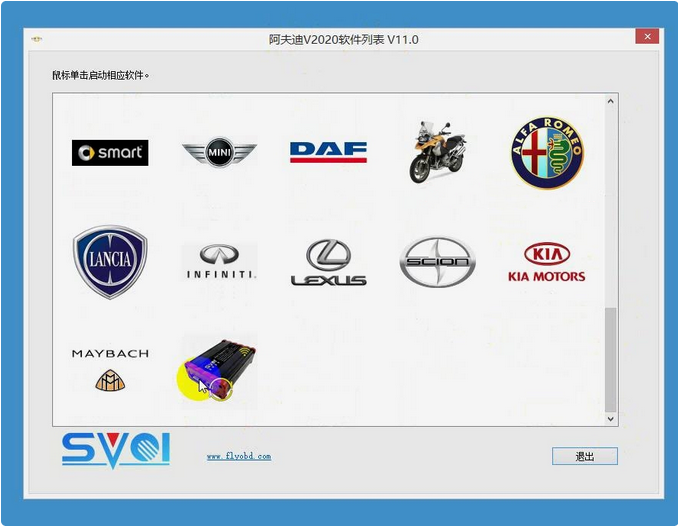
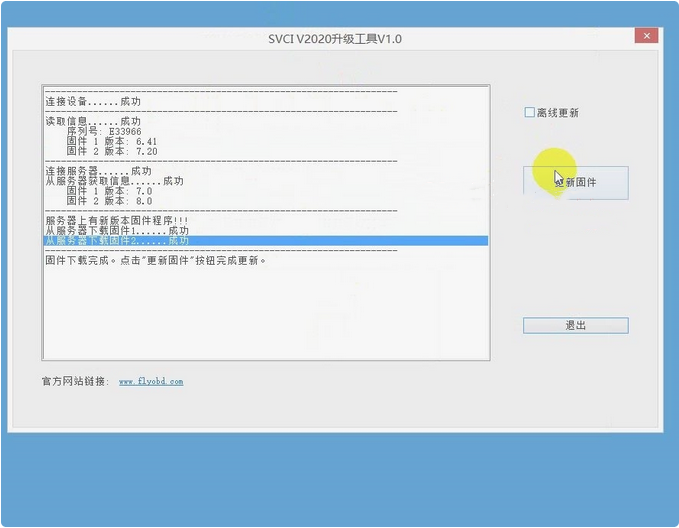
Engineer reply: SVCI 2020 Firmware Upgrade Steps:
Step 2. Wait until the firmware was downloading from server successfully, click “upgrade”.
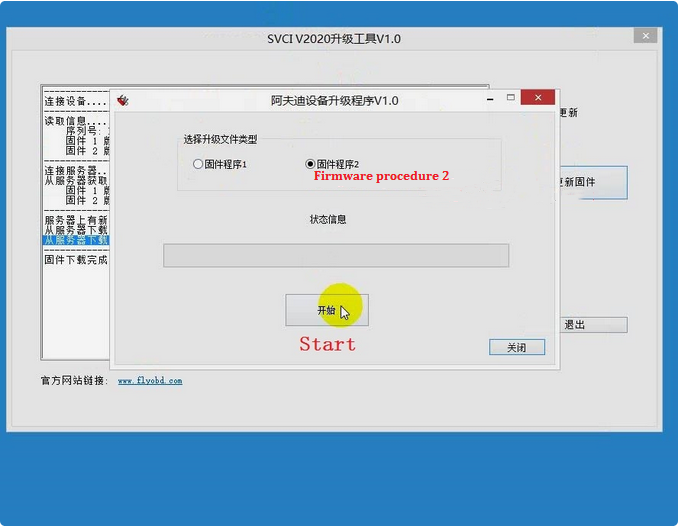
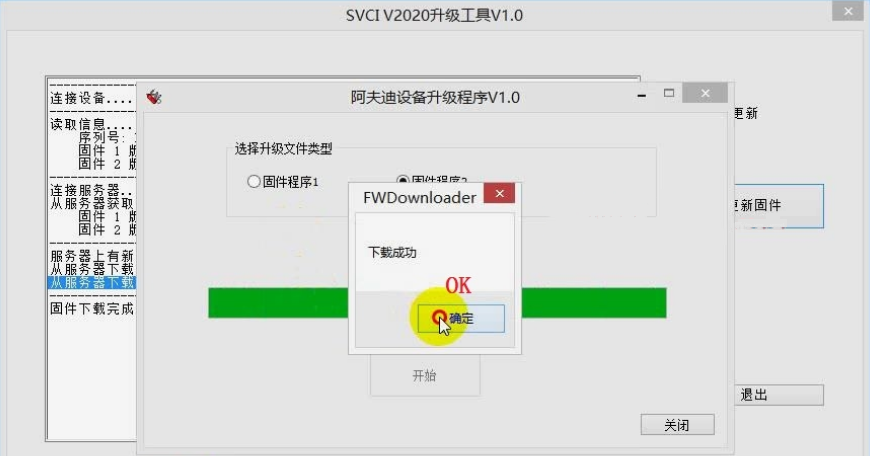
Step 3. Select firmware procedure 2 , click “Start” to update, click “OK” when finished.
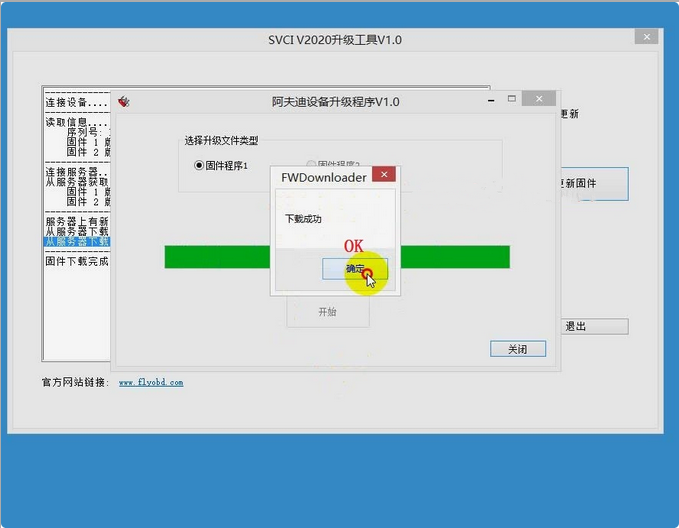
Step 4. Select firmware procedure 1, click “Start” to update again, click “OK” when finished.
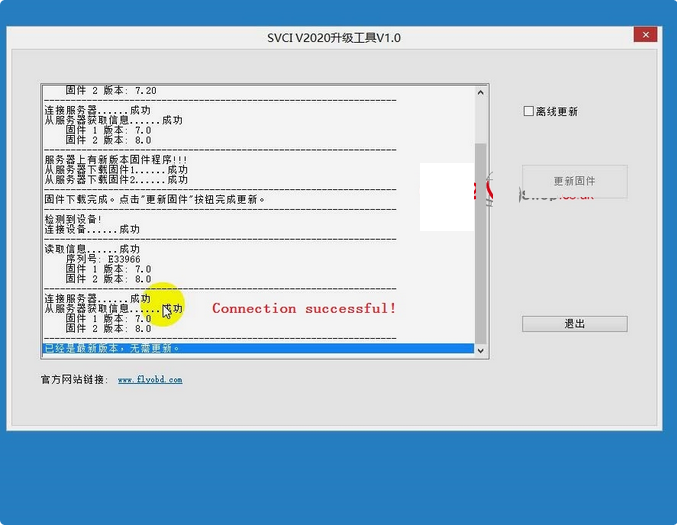
It says connecting is successful, SVCI 2020 firmware upgrade has been done!
http://obd2codes.net/2020/12/31/update-svci-2020-abrite-commander-firmware/ |
|
| ( 休閒生活|其他 ) |