字體:小 中 大
 |
|
|
|
| 2023/12/19 16:38:00瀏覽121|回應0|推薦0 | |
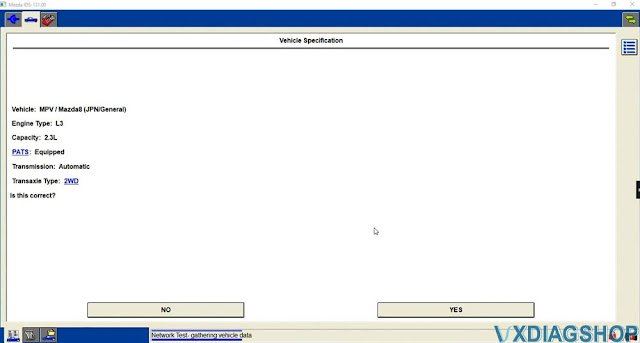
Mazda IDS V131 was tested and verified working fine with vxdiag scanners including VXDIAG VCX NANO Ford/Mazda USB or WiFi, VCX SE or VCX Plus Ford/Mazda. Here is the guide to install vxdiag Mazda IDS V131 software on Windows 10. Software can be downloaded free here Free Download VXDIAG VCX NANO Mazda IDS V131 Operating system: Windows 10 (free to test on Win7 and Win11) NOTE: Don't install both Ford IDS and Mazda IDS on the same operating system!!! Procedure: Mazda IDS installation is easier than Ford IDS. Mazda does not need to install VCI software driver. Open Mazda IDS V131 software folder 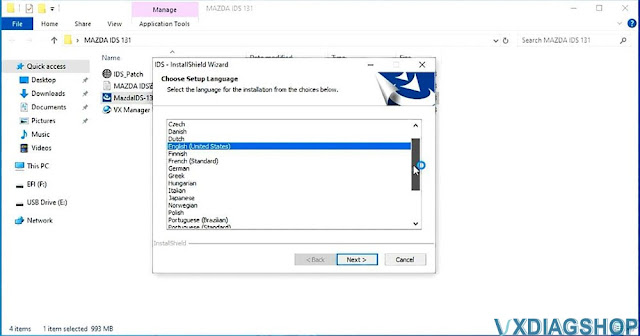 Install setup until completed  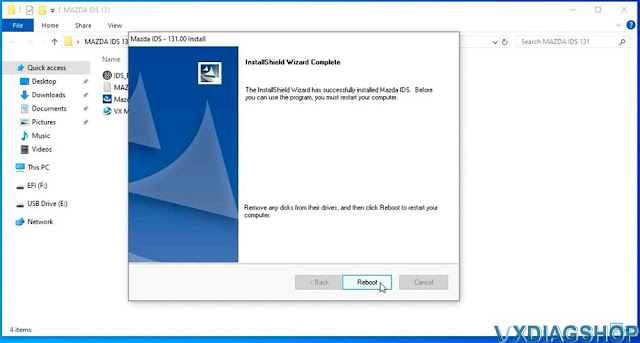 Install VX Manager, install Passthru and Ford/Mazda IDS driver 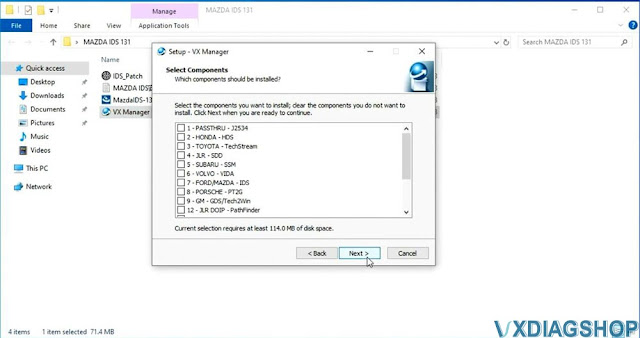  Connect VXDIAG device with laptop 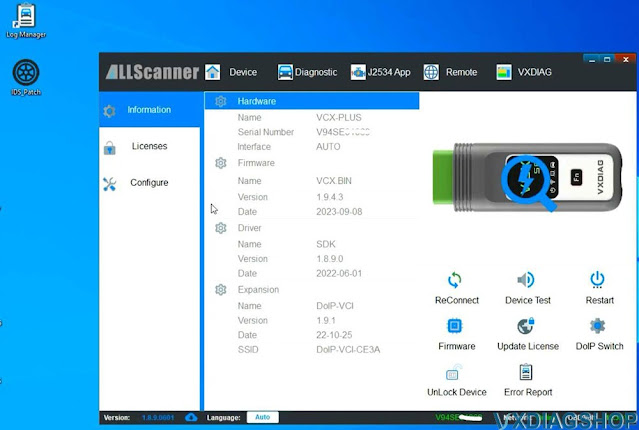 Copy and paste IDS_Patch to desktop
https://www.vxdiagshop.com/service/install-vxdiag-mazda-ids-v131-on-win10.html |
|
| ( 休閒生活|旅人手札 ) |