


 字體:小 中 大
 |
|
|
|
| 2022/09/26 11:16:14瀏覽72|回應0|推薦0 | |
The latest Techstream goes to V17 but many people prefer using v12 which allows various customize settings. V12 has been tested working great with vxdiag vcx nano Toyota interface. If techstream v12 does not recognize vehicle (have to manually input) and does not allow to change any setting, check following: Update vx manager to latest version on www.vxdiag.net Update firmware Update license The main screen of VX Manager, where it can be updated and also refreshed the license. Click on "Update License" and "Update Firmware". Be careful to use USB connection during upgrade procedure.  License update confirmation: 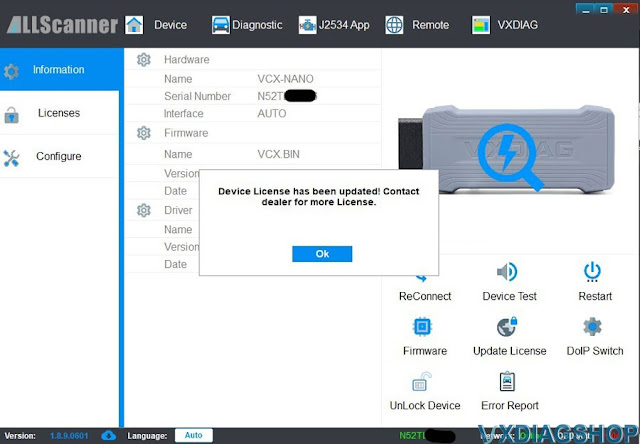 The license page: 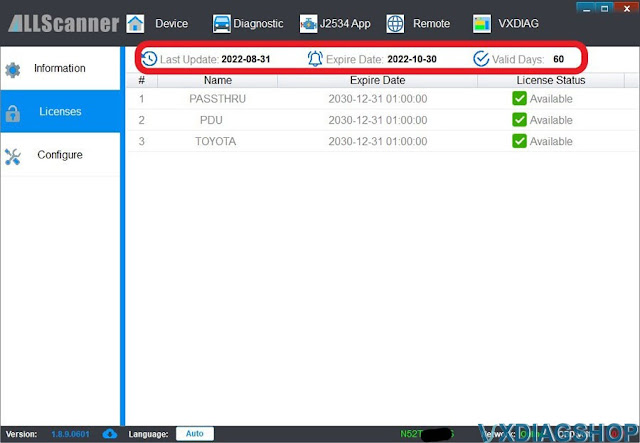 The configuration in TechStream: Toyota or VXDiag is the same, see the DLL at the bottom  Verification that TechStream is working properly: 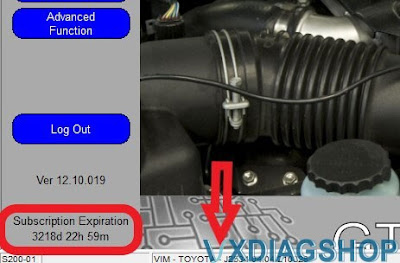 If still not working, contact www.vxdiagshop.com for technical support. |
|
| ( 休閒生活|旅人手札 ) |


