字體:小 中 大
 |
|
|
|
| 2022/09/26 11:35:17瀏覽537|回應0|推薦0 | |
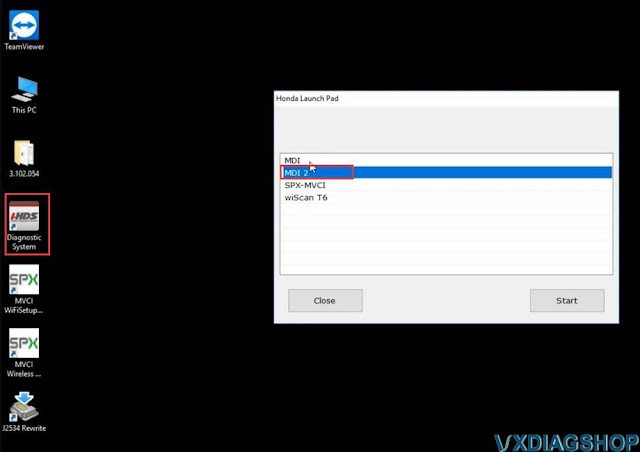
Allscanner VXDIAG tutorial: how to install VXDIAG Honda HDS (Honda Diagnostic System) software. HDS 3.101, 3.102, 3.103 and later versions share similar procedures. Devices affected: VXDIAG VCX SE Pro 3 in 1, VCX Plus Honda multi tool, VXDIAG full etc Honda scanners Software including: Steps: 1. Install HDS setup 2. Install iHDS setup 3. Install J2534 Rewrite setup 4. Install ImmobilizerSetup Tool 5. Install VX Manager 6. Run iHDS NOTE: If for diagnosis purpose only, after installing HDS setup, skip to Step 5, then run HDS from desktop. Dont need to install iHDS and J2534 rewrite.  Procedure: Step 1: Install HDS setup Download HDS software 3.10x Open HDS 3.10x software folder  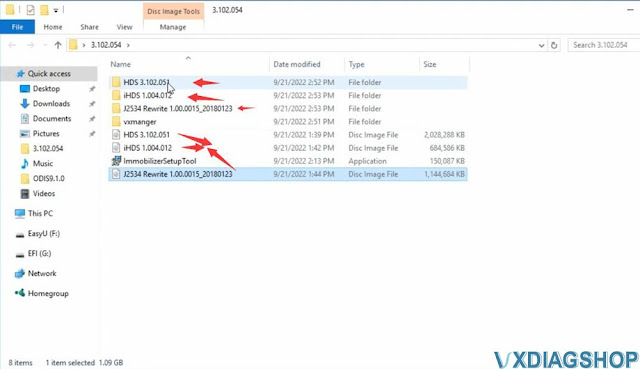 Open HDS 3.102.051 software 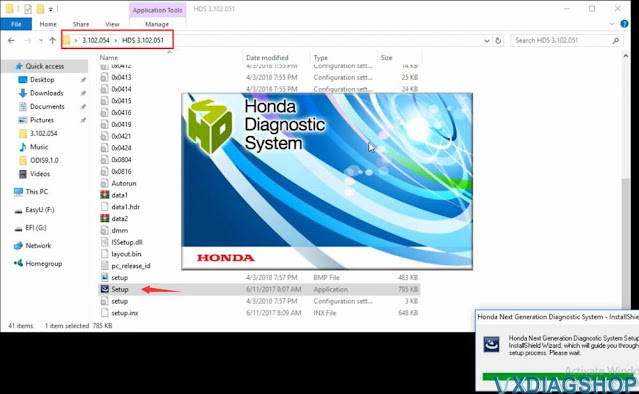 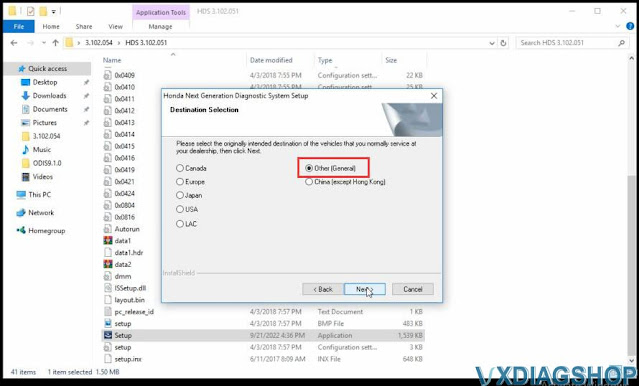   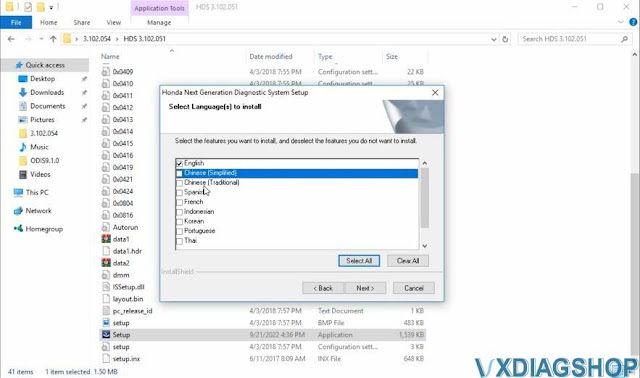  Step 2: Install iHDS setup Open iHDS 1.004.012 folder   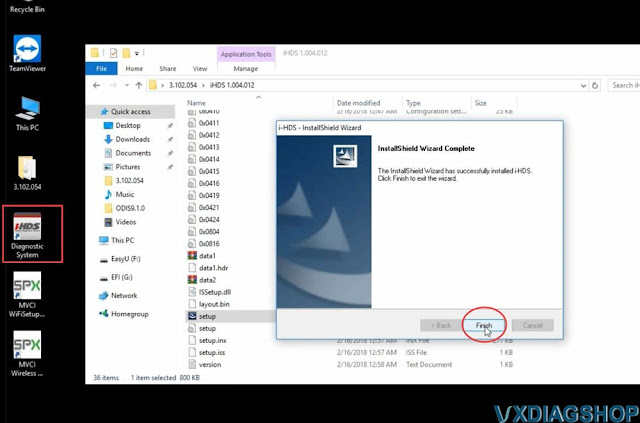 Step 3: Install J2534 Rewrite setup Open J2534 Rewrite folder, 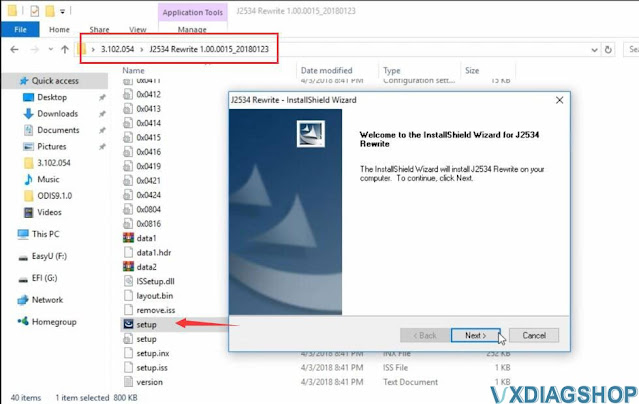 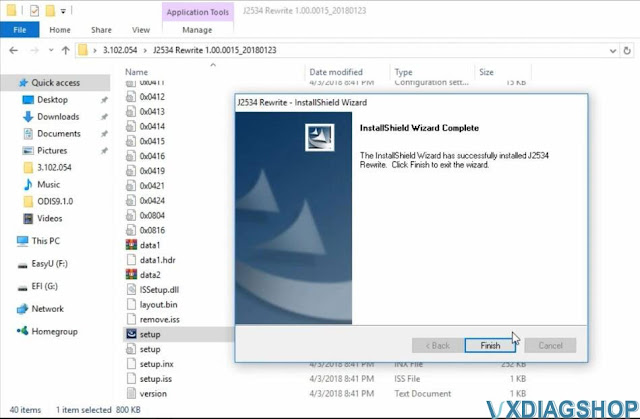 Step 4: Install ImmobilizerSetup tool Install ImmobilizerSetup Tool  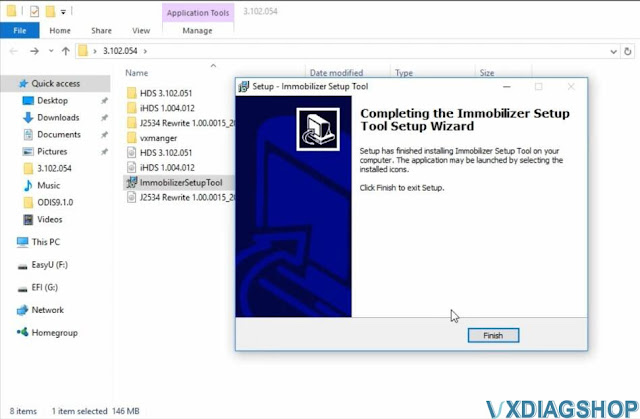 Step 5: Install VX Manager Install VX Manager and install Honda HDS driver 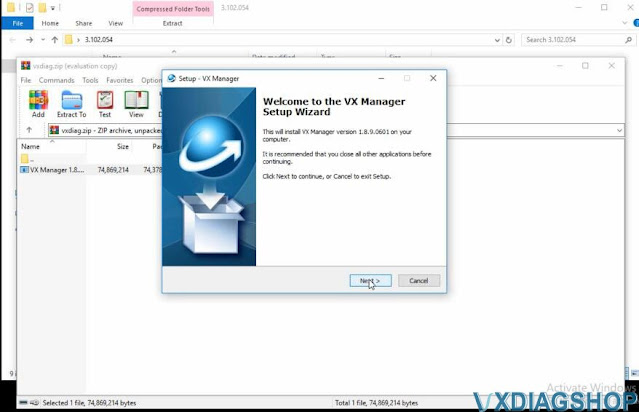  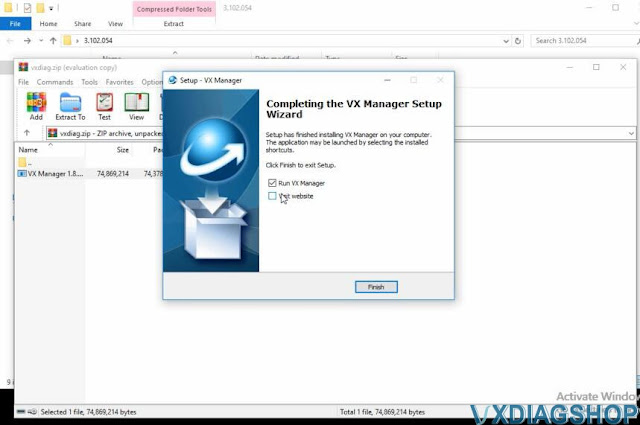 Connect vxdiag honda interface with laptop Run vx manager to check connection status Step 6: Run iHDS Select interface type as MDI2.
 Software is ready to use. http://blog.vxdiagshop.com/2022/09/22/how-to-install-vxdiag-honda-hds-software/ |
|
| ( 休閒生活|旅人手札 ) |