字體:小 中 大
 |
|
|
|
| 2021/01/29 15:53:52瀏覽142|回應0|推薦0 | |
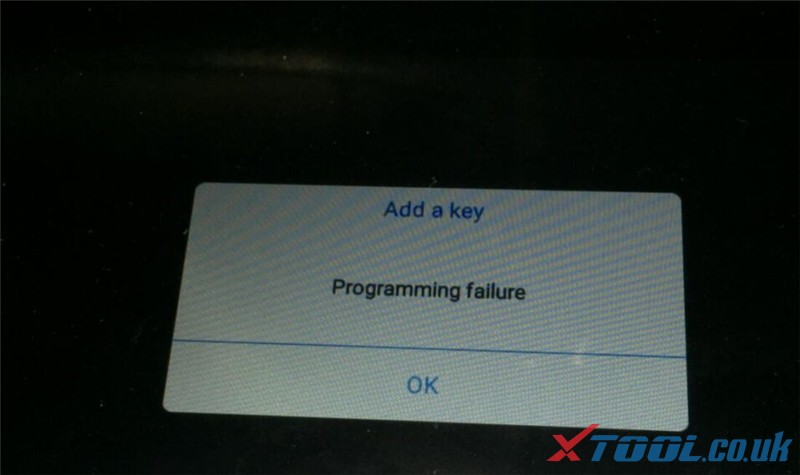
When your XTOOL key programmer such as X100 PAD appears “Programming failure” or other errors during testing, what do you do?
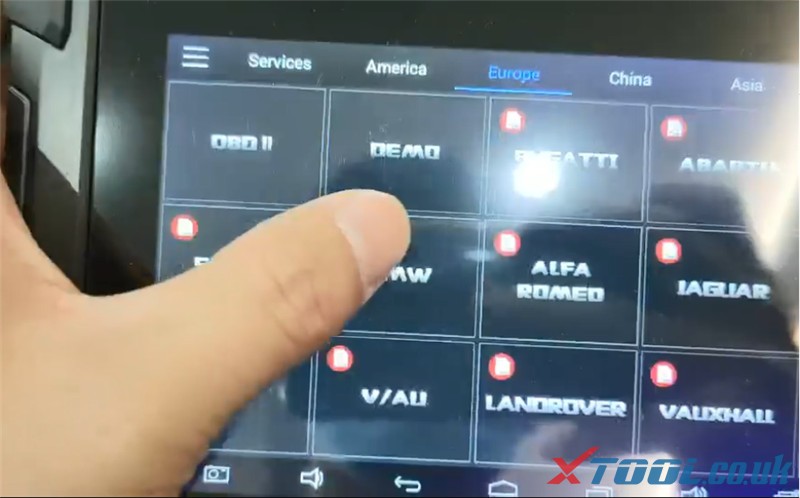
Sometimes, though the car model you used is supported by the XTOOL scanner, it also failed. At this time, you should record the data and send to the XTOOL service, so that the engineer can check what the problem is and offer the related solution ASAP. Note: This guide applies to all XTOOL Tablets incl. X100 PAD2 Pro, X100 PAD 3, A80 Pro, A80 H6, XTOOL PS90, etc. Follow the guide below to record data on the XTOOL tablet. Step 1: Connect the tablet with your car Step 2: Enter XTOOL tablet main menu Select the related car manufacturer (e.g BMW)
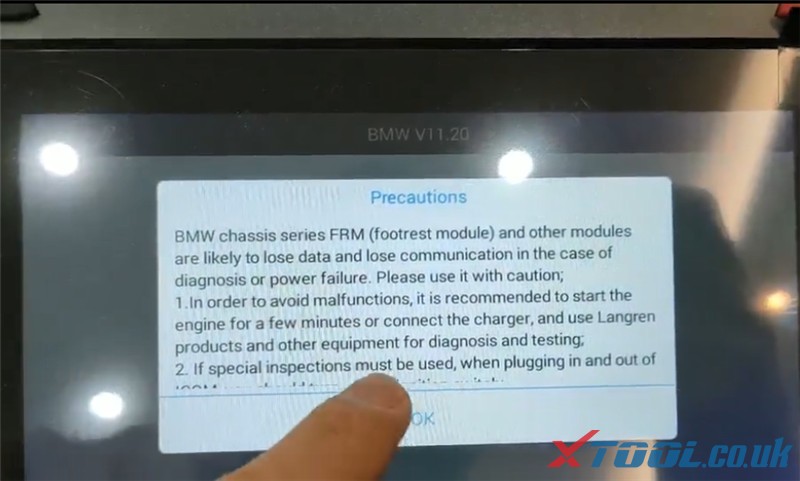
Step 3: Pay attention to the precautions and click “OK”
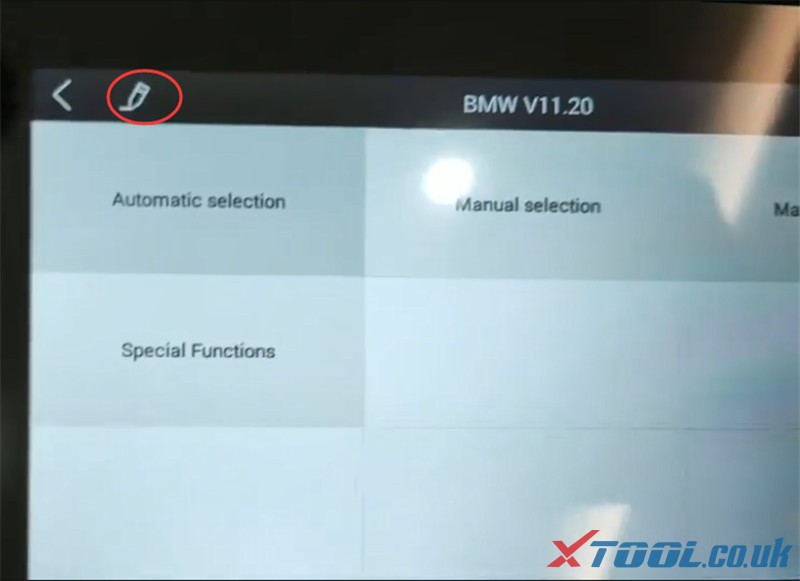
Step 4: Click the pen icon in the upper left corner of the screen
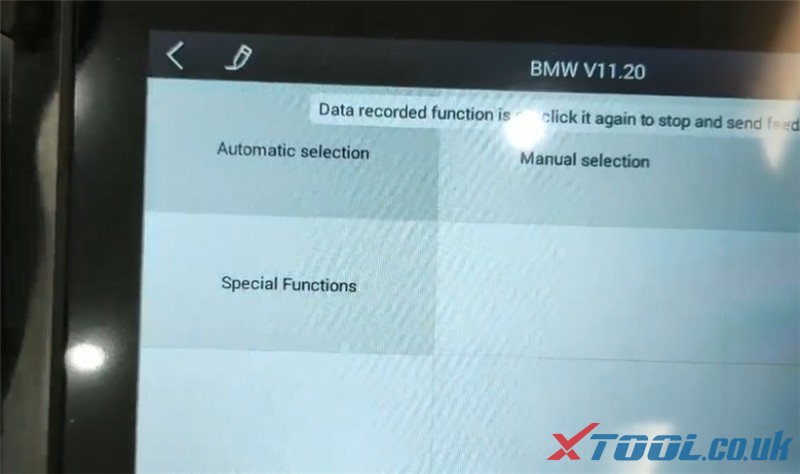
And it will show “Data recorded function is on, click it again to stop and send feedback”.
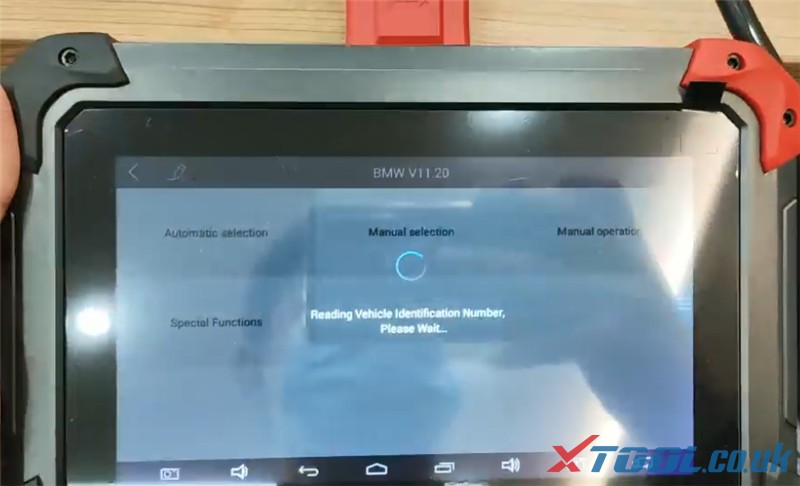
Step 5: Click “Automatic selection” to read the vehicle identification number
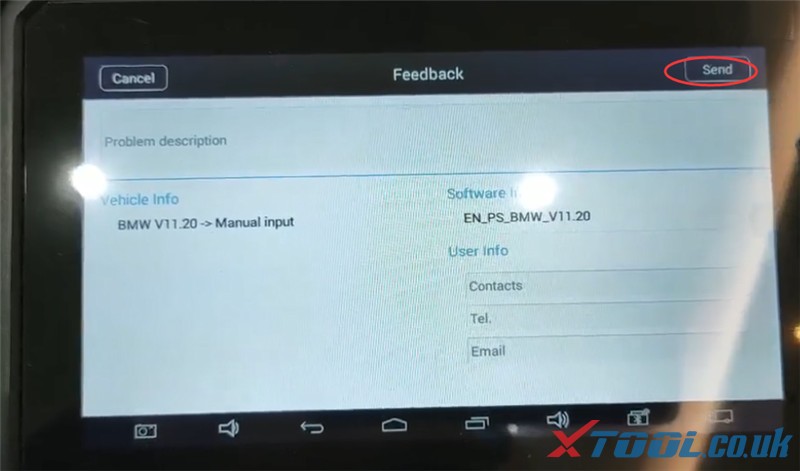
Step 6: Click the pen icon Fill in the description of the error and user info incl. contacts, Tel and email. Then click “Send” This message will be sent to the XTOOL engineer, after they received , they will analyze the problem and give the answer back to you.
http://xtoolsupport.com/record-data-and-send-log-when-xtool-getting-error/ |
|
| ( 心情隨筆|工作職場 ) |

 to enter the