


 字體:小 中 大
 |
|
|
|
| 2021/01/13 15:24:40瀏覽223|回應0|推薦0 | |
XTOOL PS90 Diagnostic tool is able to do EPB reset, BMS reset, TPS, injector coding, Service Light Reset, etc for BMW. Purpose: Register Battery replacement
Car model: 2015 BMW X3 F25
Device: Xtool PS90
Operation video: Main steps:
Step 1: Connect Xtool PS90 tablet with the BMW car
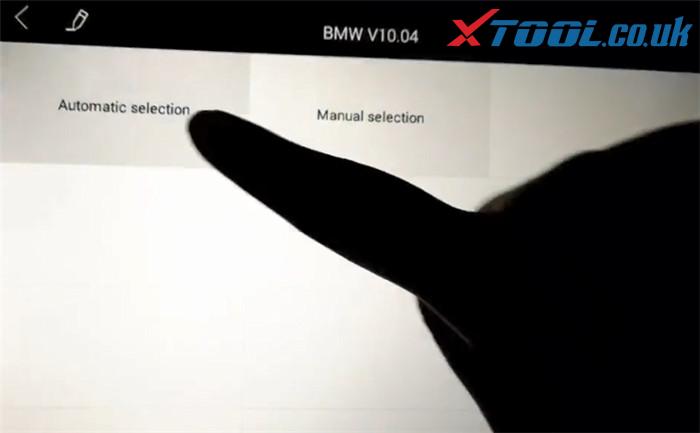
Step 2: Select “BMW”-> “Automatic selection”
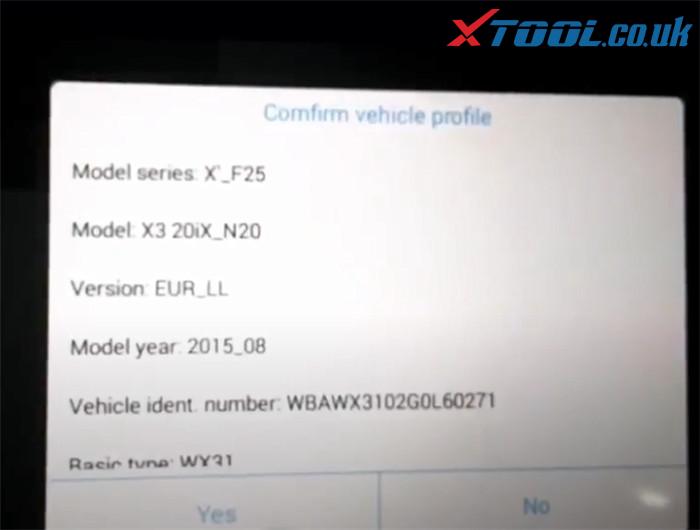
 Confirm the vehicle profile detected incl. model series, model, version, model year, vehicle ident. number and basic type, etc.
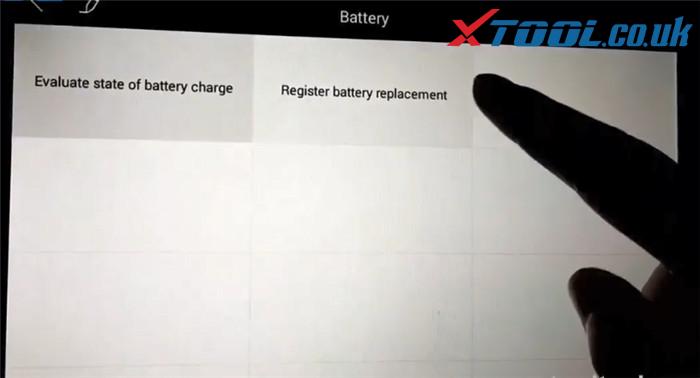
 Step 3: Select “Service”->”Body”-> “Power supply (battery)”-> “Battery”-> “Register battery replacement”
 1.Make original BMW battery replacement
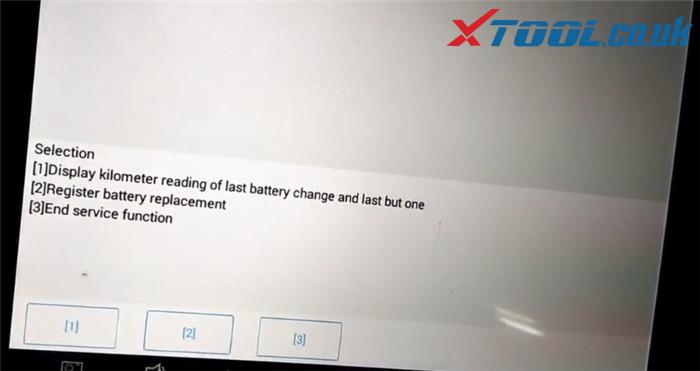
Then there will be three options to select
Press [1] to display kilometer reading of last battery change and last but one
Press [2] to register battery replacement
Press [3] to end service function
Here press [2] to next step
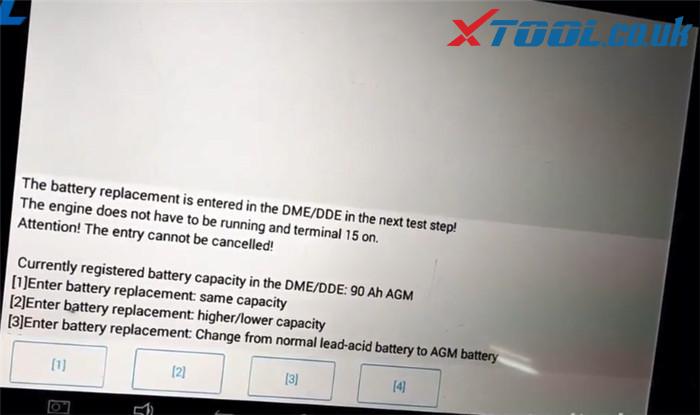
 Now the battery replacement is entered in the DME/DDE in the next test step. There are also three options to select.
In this step press [F1] to enter battery replacement: same capacity
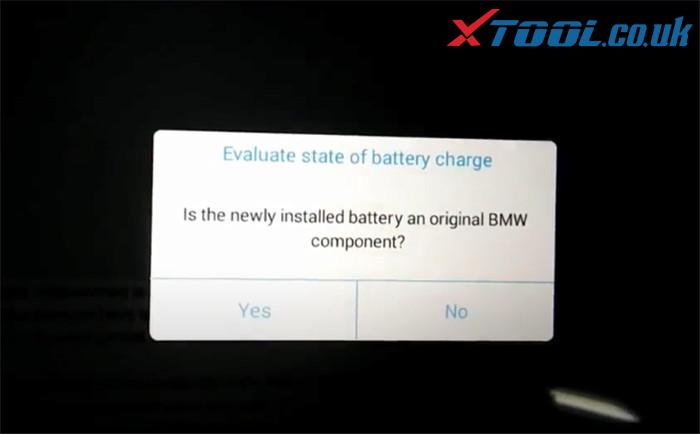
 Press [Yes] to confirm the newly installed battery is original
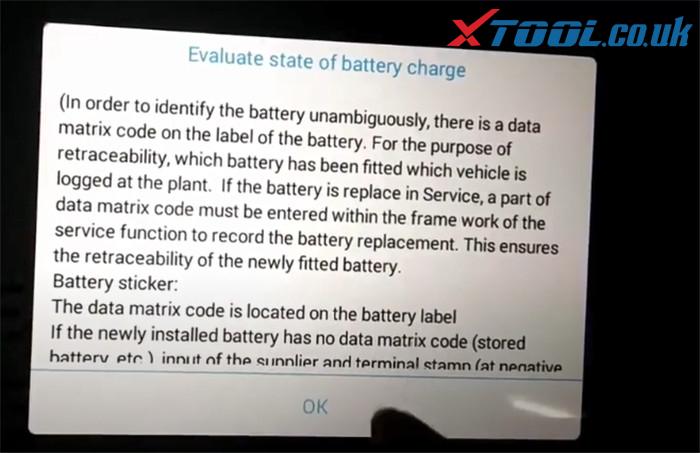
 Pay attention to the instruction of Evaluate state of battery charge and press [OK]
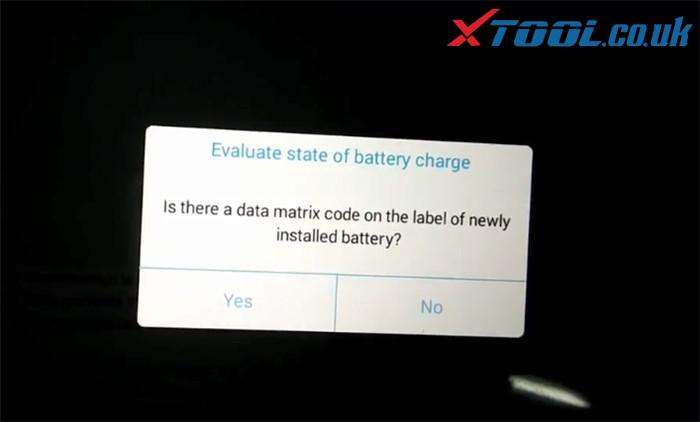
 Confirm if there is a data matrix code on the label of newly installed battery, and press [OK] to continue
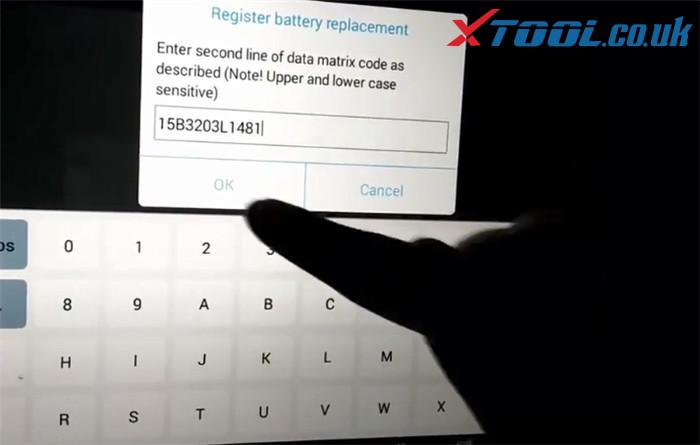
 Enter second line of data matrix code as described and press [OK] to register battery replacement
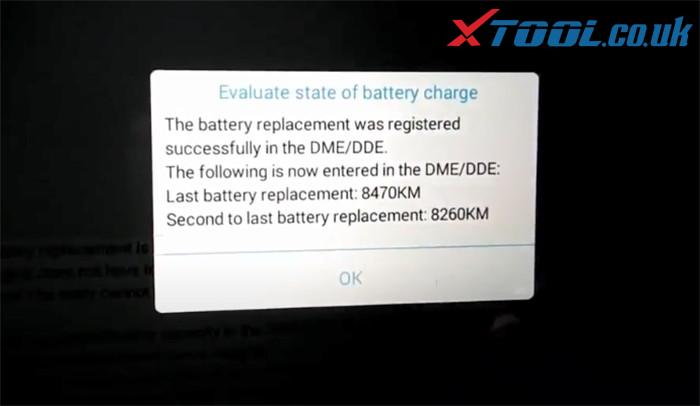
 Register battery replacement successfully and it will show the related data
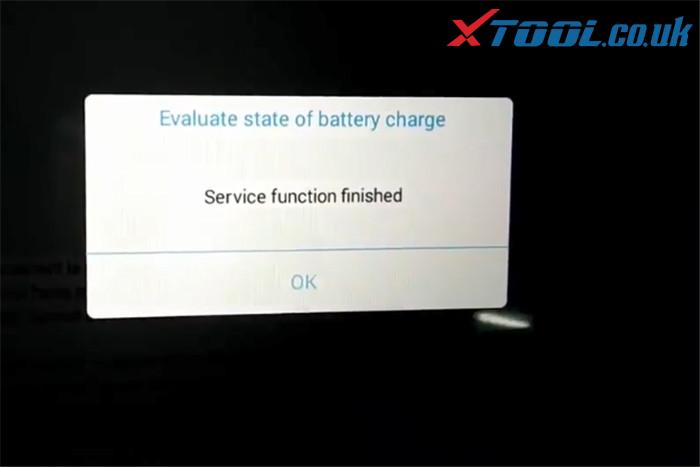
 Service function is done!
 2.Make non-original battery replacement
The first several steps are same as original battery replacement, the difference is to confirm whether the newly battery is original, you should press [No] to register battery replacement (no need to enter matrix code)
Finally, the battery replacement was registered successfully.
Job’s done!
If you want to know more specific BMW car models covered by XTOOL PS90 diagnostic tool in BMS reset, please feel free to contact us.
Email: Sales@XTOOL.co.uk whatsapp: +8618223445829 |
|
| ( 心情隨筆|工作職場 ) |


