字體:小 中 大
 |
|
|
|
| 2022/01/28 17:39:34瀏覽131|回應0|推薦0 | |
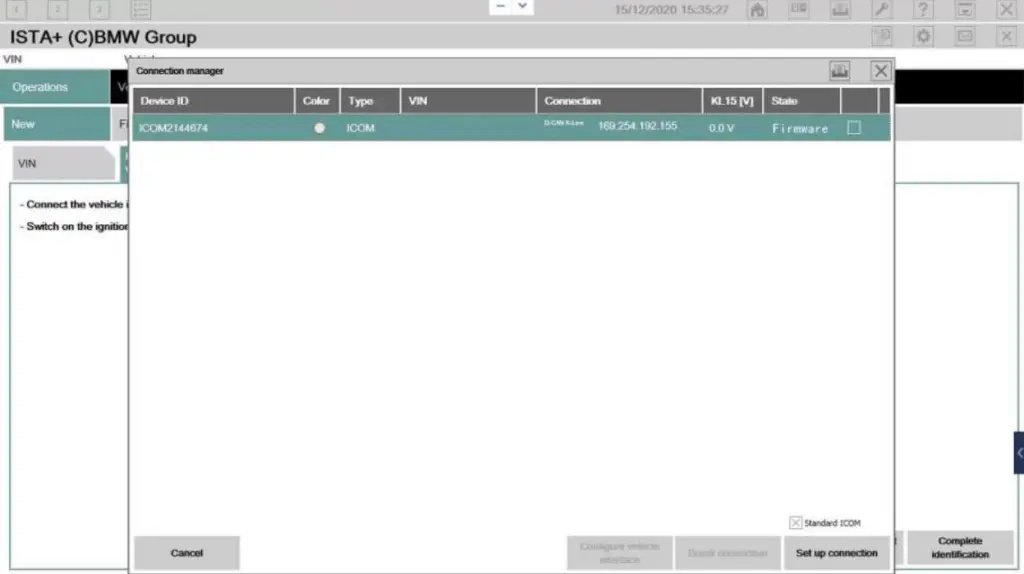
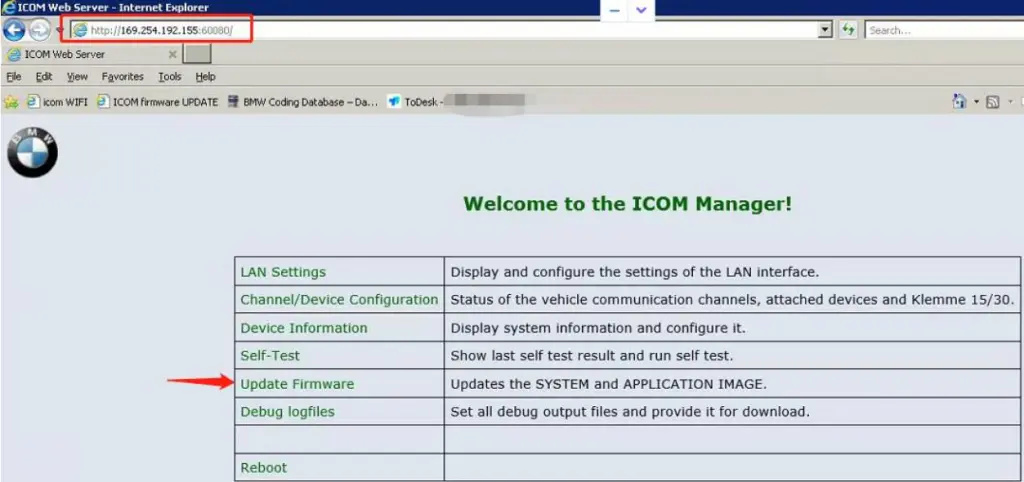
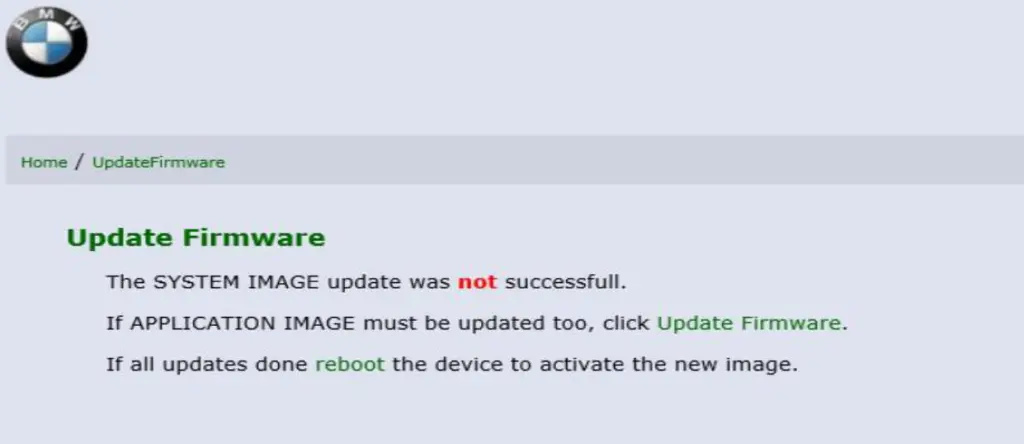
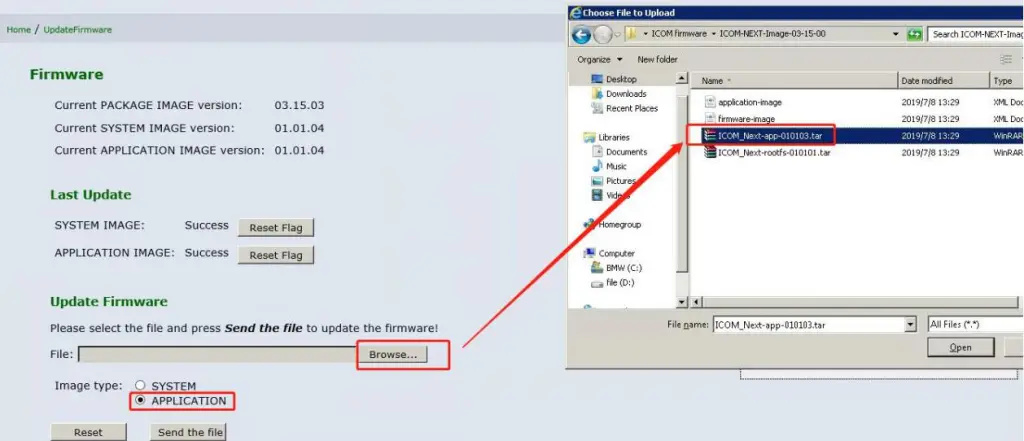
How to upgrade BMW ICOM Next A firmware step by step 1. When you update the BMW ISTA diagnostic software and connect to a BMW car, the connection manager displays the firmware, indicating that your ICOM needs to be upgraded. I will show you how to upgrade the ICOM firmware through the WEB page;
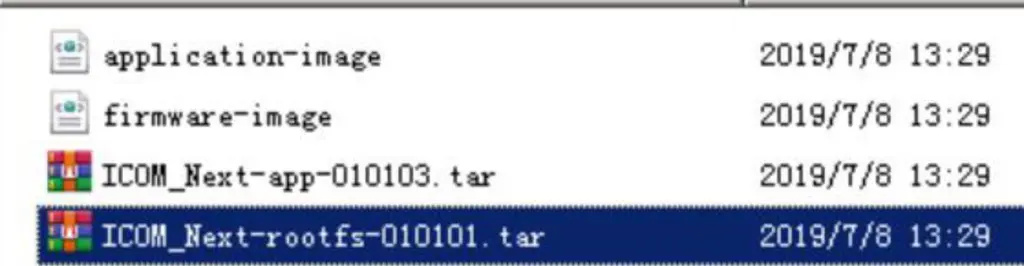
2. ICOM NEXT Firmware file
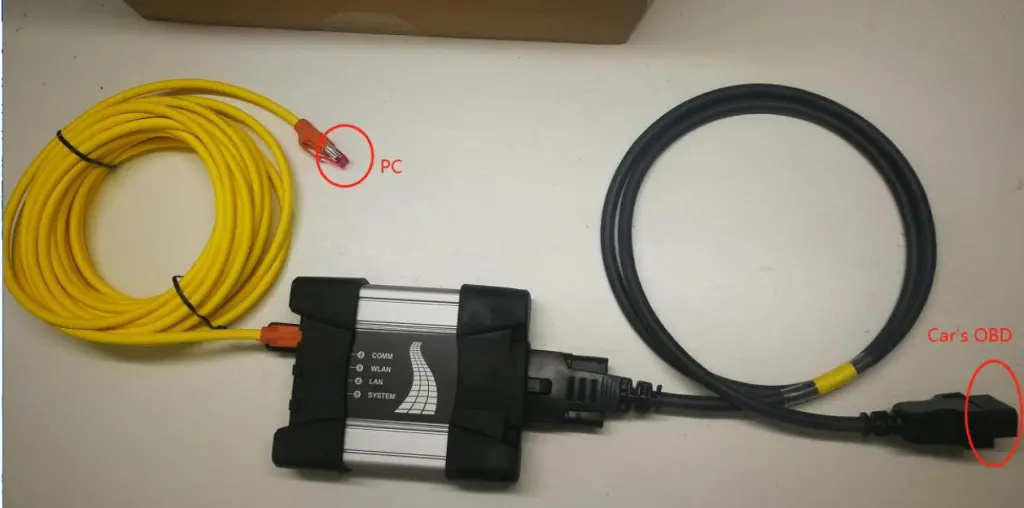
3. ICOM NEXT connect car;
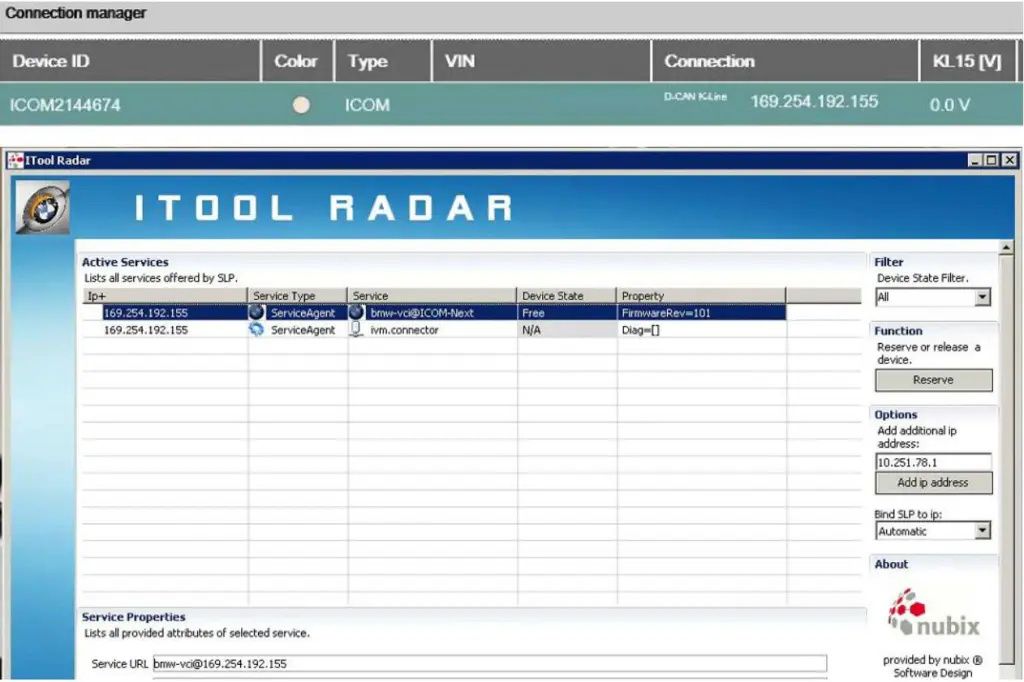
4. ICOM NEXT IP;
5.WEB Login:http//169.254.X.X:60080,user:admin,password:NZY1150263;
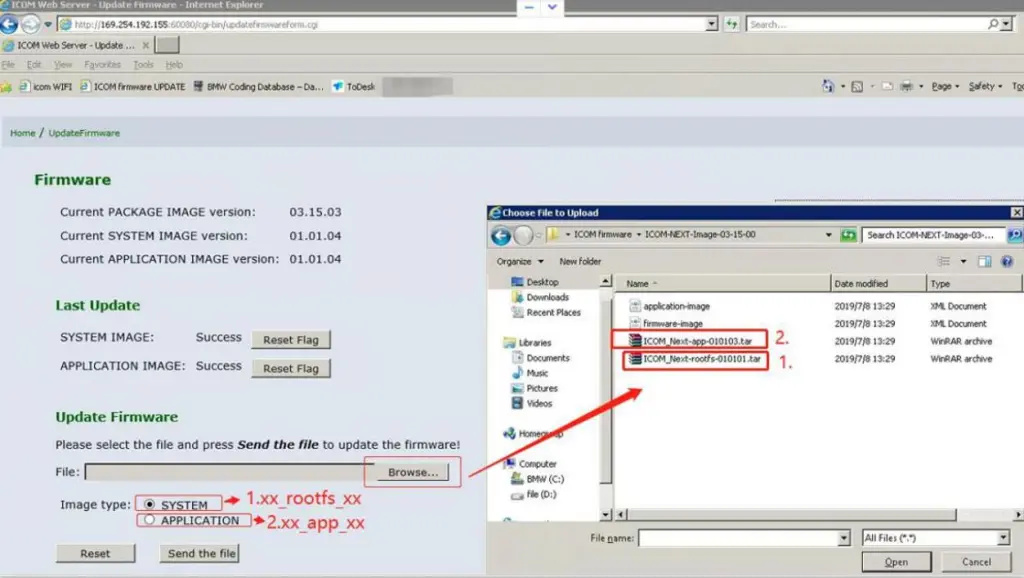
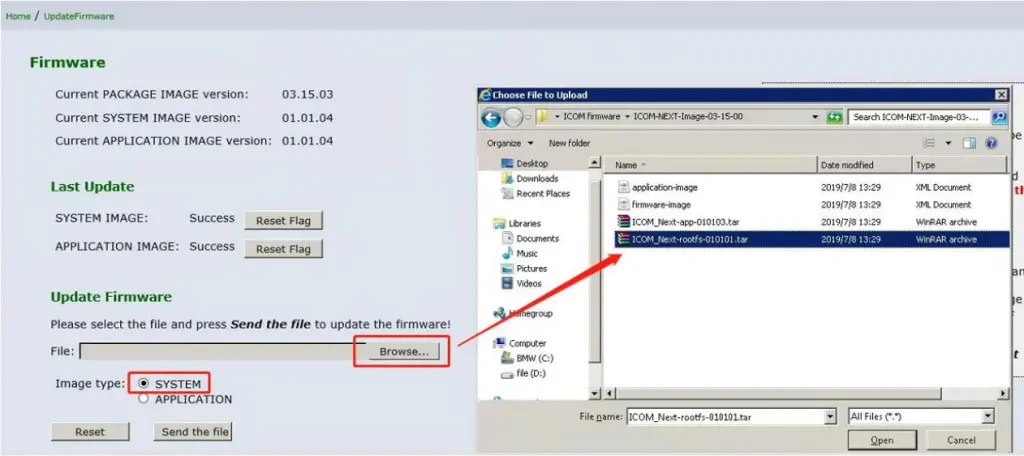
6.Select firmware file;
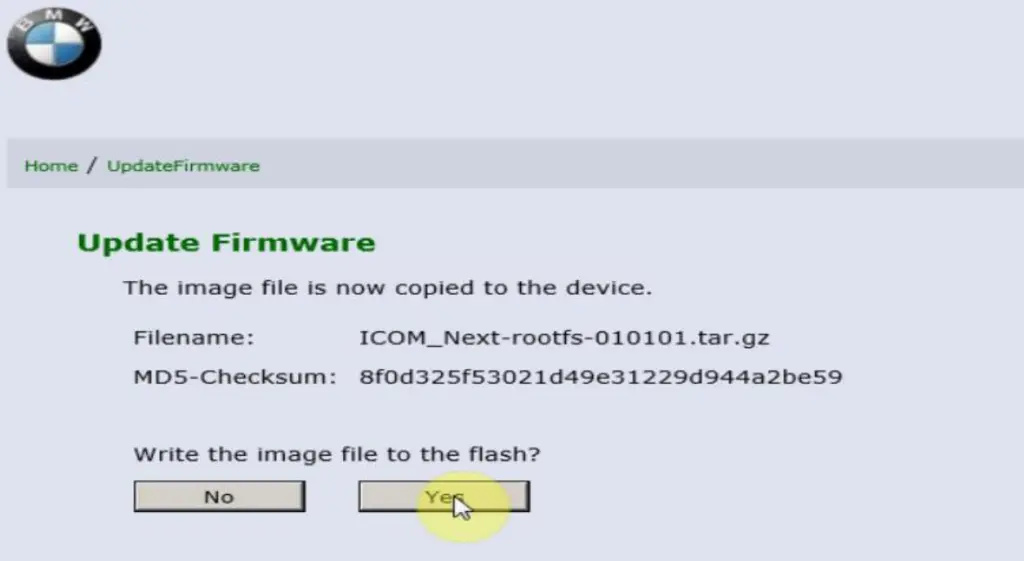
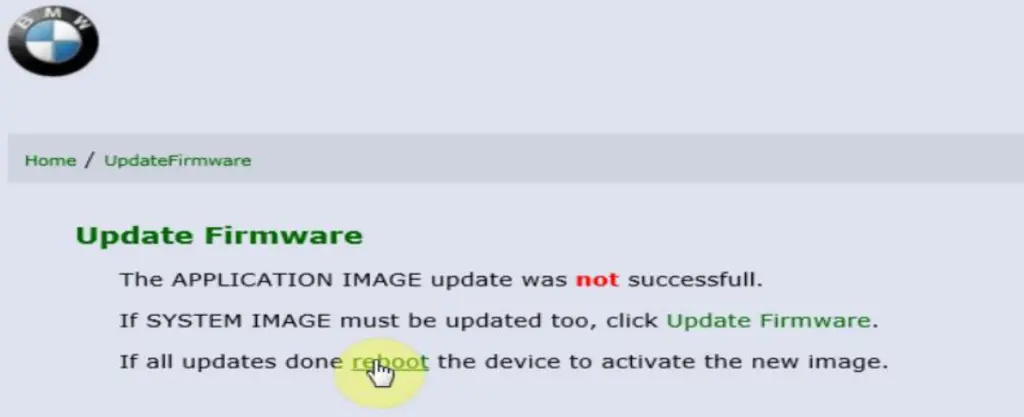
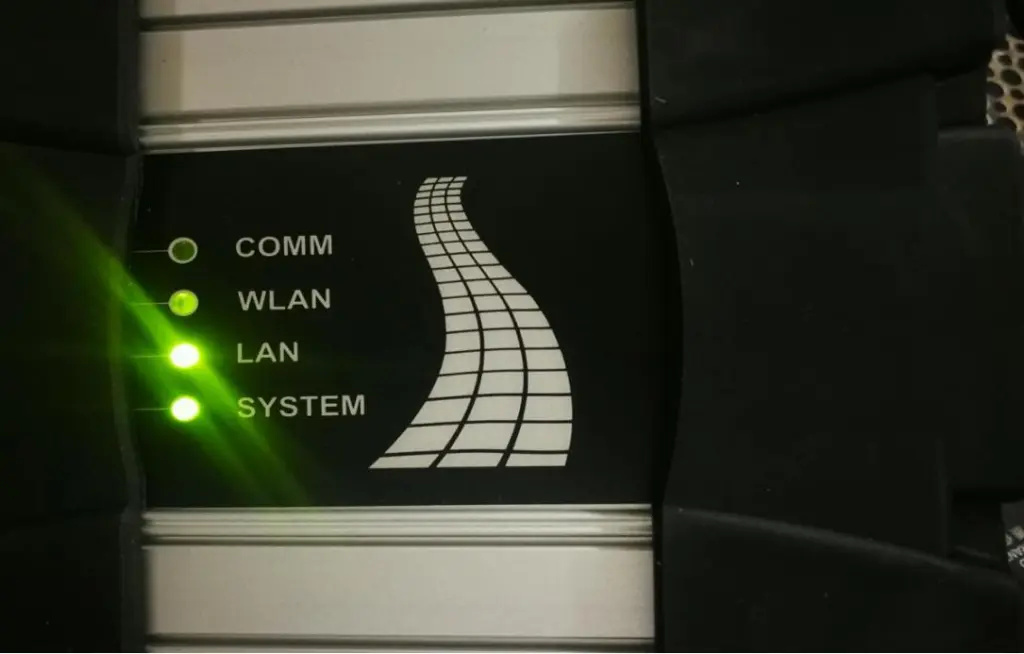
7. After the firmware file is sent, click XX to upgrade. At this time, the ICOM NEXT LED will display red. After the upgrade is completed, the ICOM NEXT will automatically restart. After five minutes, the ICOM NEXT indicator will be green and the upgrade is complete.
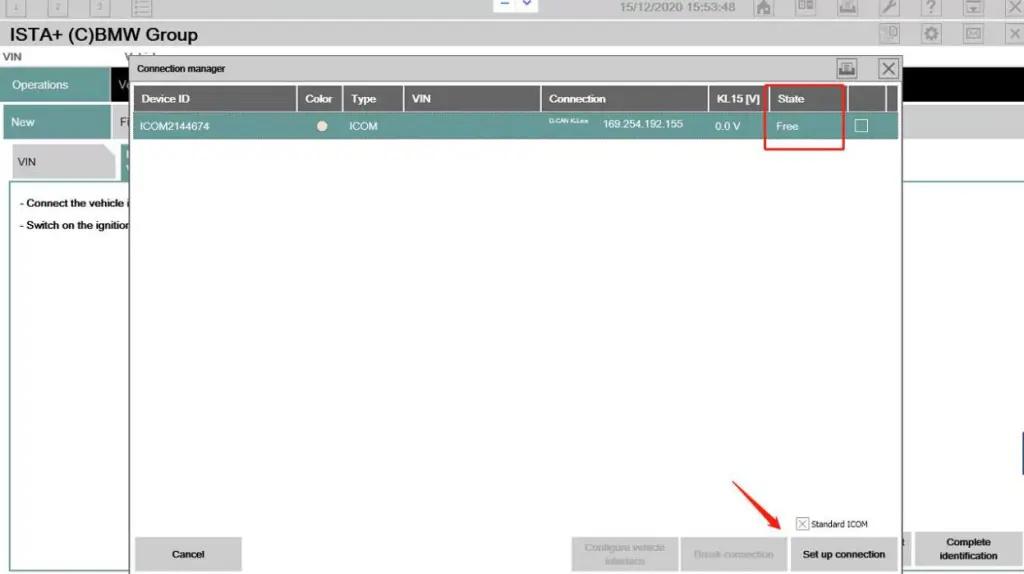
8. State is free, connect BMW car. |
|
| ( 休閒生活|其他 ) |