


|

|
文章數:3 |
 Best Nutrition Label Generator - 6 Things to Compare |
| 不分類|不分類 2026/11/05 22:16:27 | |||||||||||||||||||||
Best Nutrition Label Generator - 6 Things to CompareThere is no best nutrition label generator in the abstract, and a list that ranks one tool above another without knowing your package, quantity and budget is guesswork with a table around it. What you can do is compare six things that decide whether a label file actually works. That comparison takes about ten minutes, and it stays useful when a vendor changes its pricing. This page does not rank named competitors. It gives you the six criteria, one worked cost example, and a plain statement of where NutriFactsLabel fits and where it does not. Why there is no honest ranking of the best nutrition label generatorLabel tools are priced in different units. One charges per file, another per month, another per label printed through its own service. A tool that is cheapest for a single jar is often the most expensive for eight SKUs, and a tool shaped around supplement panels is the wrong shape for a bakery. Rankings also age badly. Panel content and format come from regulation, not from a vendor's roadmap, and prices change without notice. A framework you can rerun on your own numbers beats a list you have to trust. 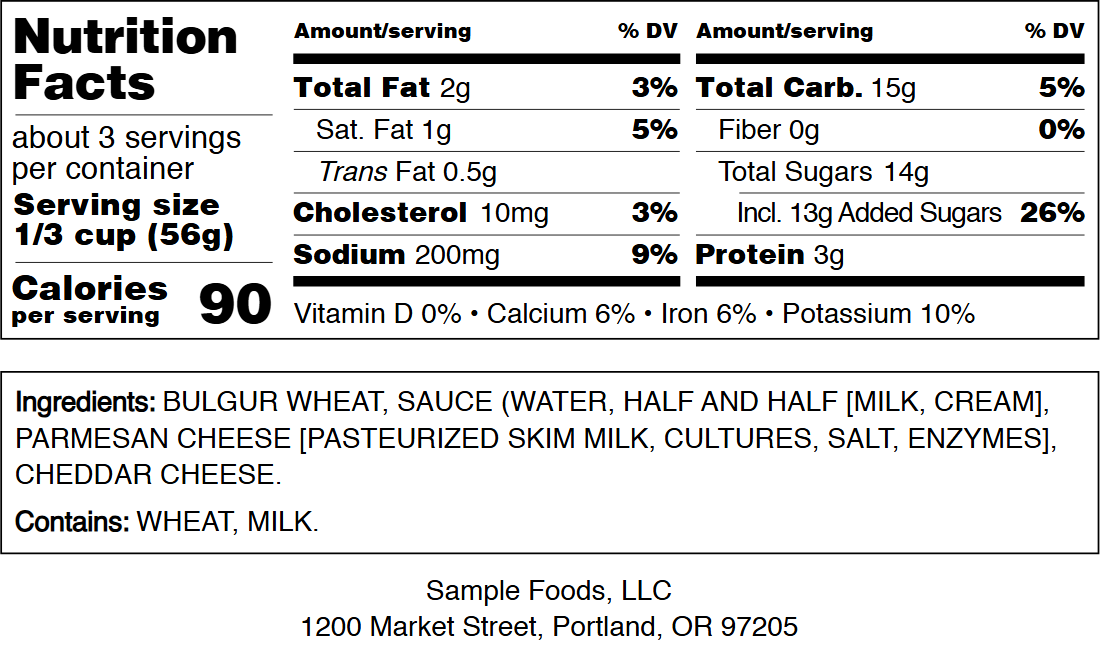 Percent daily value sits in its own narrow column, which is the first thing to check when a layout has been scaled. The six criteria that matter
Criteria one and five are the ones buyers skip. Geometry is invisible until a printer tells you the file cannot be used, and scope is invisible until someone assumes a formatted panel means the numbers were checked. Neither mistake shows up in a feature list. A worked cost example: one SKU, 300 unitsTake a 12 ounce sauce, 300 units, printed locally. The file is a one-time cost and the printing is separate, so compare the file only. A single label is $3.99, and that price does not change whether you print 3 copies or 300. A batch sheet is $5.99 and adds a US Letter layout with up to 500 copies at 100% scale, crop marks, tick marks, a 50 mm check ruler and a calibration sheet, and it already contains the single-label PDF. Across 300 units, $5.99 works out to about 2 cents per unit, and the sheet is the file a print shop prefers. Buying the two separately would be $9.98, which is why the bundle matters. Now run the same arithmetic on a subscription quote. A tool at $15 a month is $180 in year one, or 30 batch sheets at $5.99. If you buy one file a year, the pay-per-file route wins by a wide margin. If you build 40 panels a month, a subscription may win, and no framework can decide that for you. Where NutriFactsLabel fits, and where it does notNutriFactsLabel is one option among several, not the answer for every seller. It runs in a browser, previews free with a watermark at reduced resolution, and charges $3.99 for a single label or $5.99 for a batch sheet that includes the single label. One-time payment, no account, no subscription, checkout through Waffo. It offers 13 FDA layouts, including Standard Vertical at 218.9 by 441.9 points, Tabular at 421 by 251.2 points, Simplified, Micronutrients Side by Side and Linear. 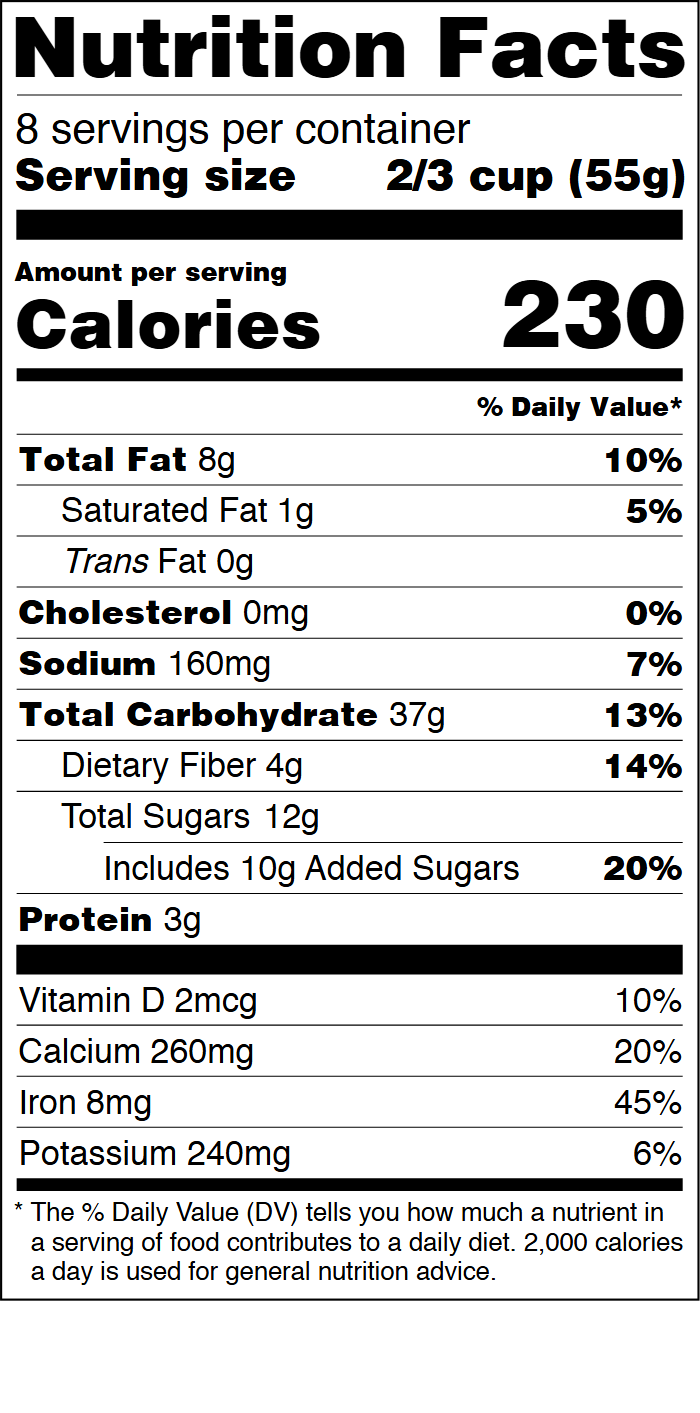 On a bottle the footnote has to clear the shoulder curve, which is where a scaled panel starts to clip. The limits are real. It formats a panel from numbers you supply. It does no nutrition analysis, no lab testing and no regulatory or legal advice, and it is not certified by any regulator, so you verify the result against 21 CFR 101.9, or 21 CFR 101.36 for a supplement. It keeps nothing between visits, which means no saved library of past products and no version history to search. A purchased file is held for 7 days. If you need an archive of 60 labels with revisions, this is the wrong tool. If you need a database, an API or an analyst reviewing a formulation, look at tools built for that. If you need one correct panel at a known price, it covers the job. How to test a candidate in ten minutesAsk for one sample export before paying. Open the PDF and read the page size in document properties. If the tool cannot tell you the panel size in points, that answers criterion one on its own. Type a serving size that does not divide evenly into the container, such as 2.5 servings per container, and watch whether the layout holds or the row collides with the rule beneath it. Then confirm the footnote stays on the same page instead of spilling onto a second one. Last, ask whether the PDF embeds its fonts. A vendor who cannot answer that question has not dealt with a print shop, and the answer will surface later as substituted type at the worst possible moment. Frequently asked questionsWhat is the best nutrition label generator for one product?The one that exports a true-size PDF with embedded fonts for the smallest verifiable one-time cost. For a single panel, that is usually a pay-per-file tool rather than a subscription. Is a free tool good enough?Free tiers vary. Some give a watermarked preview, others a reduced-resolution image or a small set of layouts. Check what the free tier actually exports before planning a print run around it. Does the cheapest file mean the cheapest label?No. Printing, stock and cutting usually cost more than the file itself. A $5.99 layout that prints correctly on the first attempt can beat a cheaper file that needs a reprint. Can one tool do the analysis and the panel?Some do both, and they are priced for it. The panel itself only needs numbers that are already settled, so decide which job you are actually buying. The best nutrition label generator is the one whose output your printer accepts without a phone call. Run the six checks on any candidate, including this one, and buy the file that matches your print run. If a true-size PDF, 13 layouts and a one-time $3.99 is the fit, start with the FDA nutrition facts label generator and export at 100% scale. |
|||||||||||||||||||||
| 最新創作 |
|
||||
|
||||
|
||||


