字體:小 中 大
 |
|
|
|
| 2022/06/18 19:41:13瀏覽114|回應0|推薦0 | |
Launch X-431 Pro MINI User Registration Process 
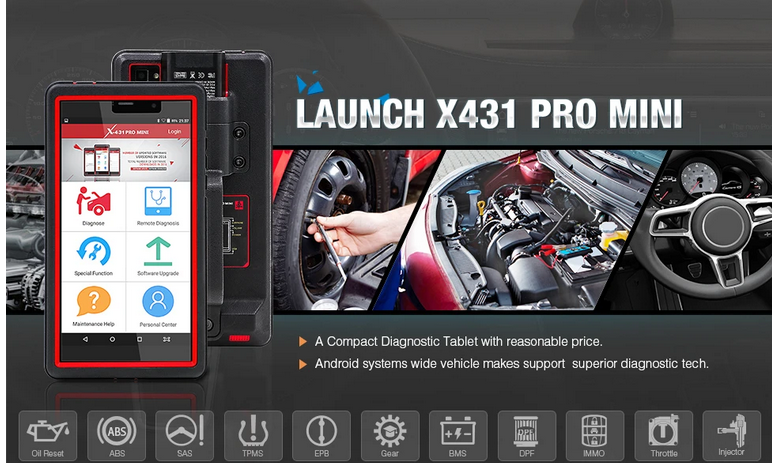
Launch X431 pro mini is a new full system diagnostic device manufactured by Launch company. Multi-language and multi-functional device can supports full system diagnosis, special functions. Ecu coding and actuation ect.
Here is the procedure of Launch X-431 Pro MINI User registration, the steps as shown below:
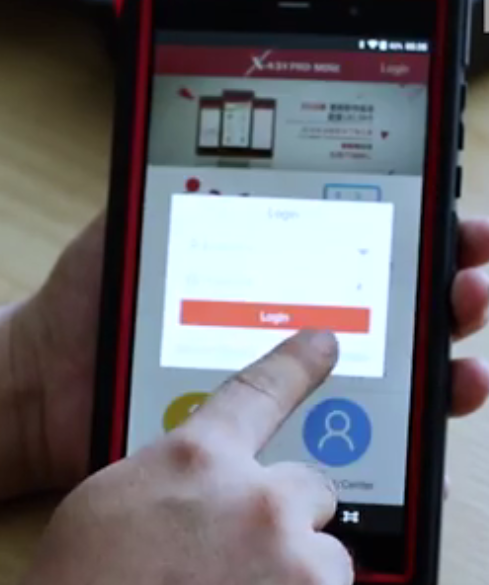
Tap “New Registration”, like the picture below: need to provide real info to obtain better service.
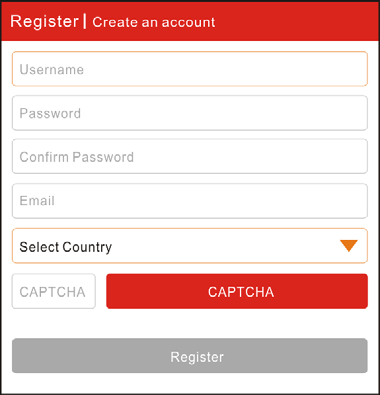
A. Create App account: In “Register/Create an account” Screen, fill in the information in each field and then tap “Register”, a screen similar to the following will appear:
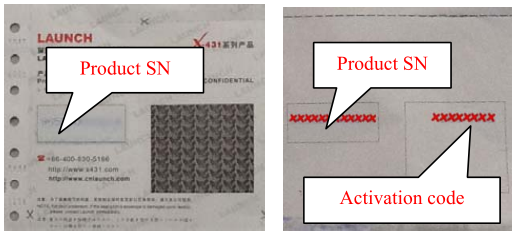
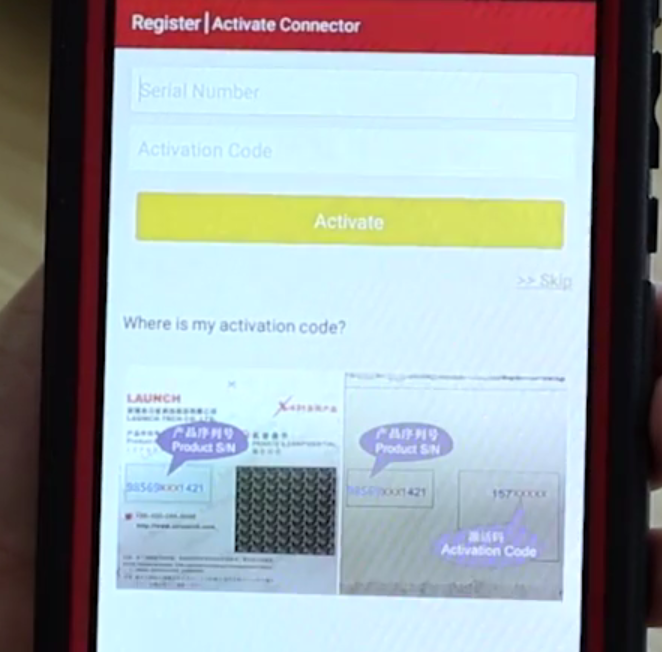
Active the device with the unique SN and activation code.
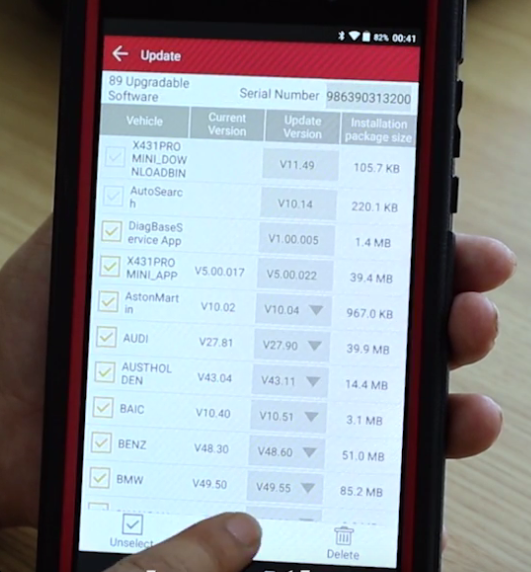
To download the diagnostic software, tap “Yes” to enter the software download
|
|
| ( 興趣嗜好|電腦3C ) |