字體:小 中 大
 |
|
|
|
| 2017/12/04 20:09:39瀏覽240|回應0|推薦0 | |
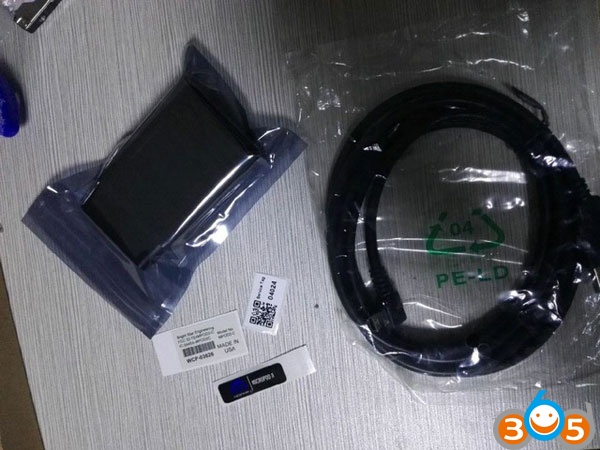
Here’s the customer solution to make Clone wiTech Micropod 2 Chrysler diagnostic tool work with DRB Emulation. Intention: Trying to find one micropod II that would work properly with DRB Emulation. Especially with Chrysler Crossfire. Credit to Radius from Mhhauto. You are at your risk. Test procedure: Test 3 different micropod interfaces. 2 devices did not work with DRB III emulation at all, no matter which vehicle. The 3rd device worked and it worked on Chrysler Crossfire – access to ALL modules. I think the 2 devices which did not work are missing hardware for K-Line or some such. The device verified working is an OFFLINE ONLY version of witech micropod 2, but I only use it for diagnostics, not for programming as I do not have a TechAuthority account. So if you need one for online use this is not the unit to buy. clone micropod 2 purchase: http://www.fobdii.com/wholesale-129-best-price-witech-micropod-2-diagnostic-tool-for-chrysler.html
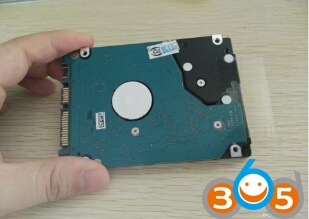
1: Make a backup copy of the partition from the hard drive included with the micropod! Here is a Mega link to a backup image of working installation. Link to HDD image/backup file of working OFFLINE WiTech installation with working DRB III Emulation: HDD Partition backup made using Image for Linux from Terabyte Unlimited. You can download trial version here: https://www.terabyteunlimited.com/index.htm Follow instructions to make bootable USB thumbdrive. Auto Key Programmer Copy image file to spare HDD and connect to laptop with USB adapter. |
|
| ( 不分類|不分類 ) |