字體:小 中 大
 |
|
|
|
| 2020/08/13 18:02:14瀏覽161|回應0|推薦0 | |
Renault Can clip clone (Item No. SP19-A) got error “No Sensor Detected, check the sensor connections and ensure that the supply to the vehicle is correct, then try again”. Please look at the following 3 images. 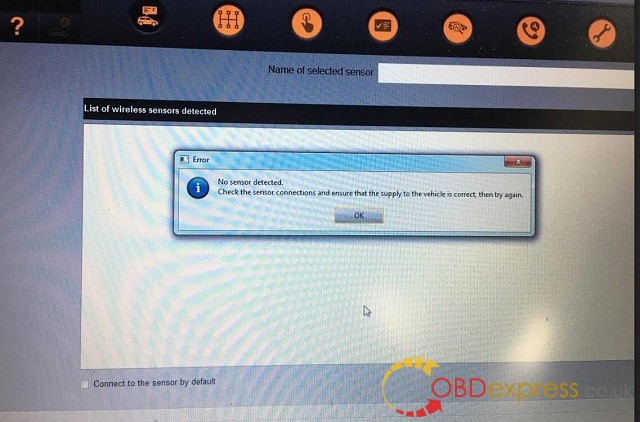 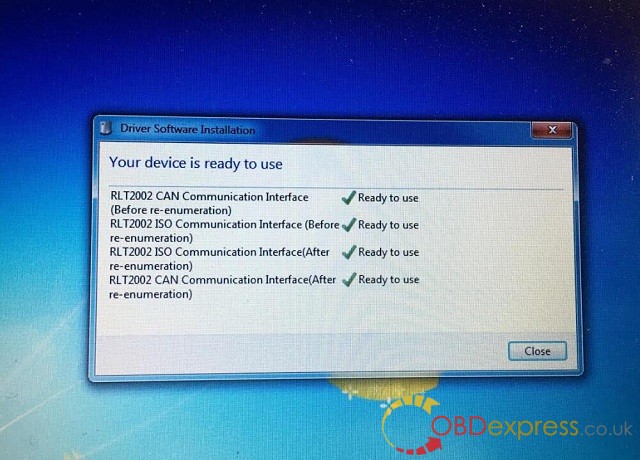
Possible reason for “No Sensor Detected“: The software cannot recognize the Renault CAN CLIP diagnostic interface
Ho to solve “No Sensor Detected“? 1st step: please ensure the Renault CLIP driver is installed successfully: –>> Renault CAN Clip V195 Windows 7 Install
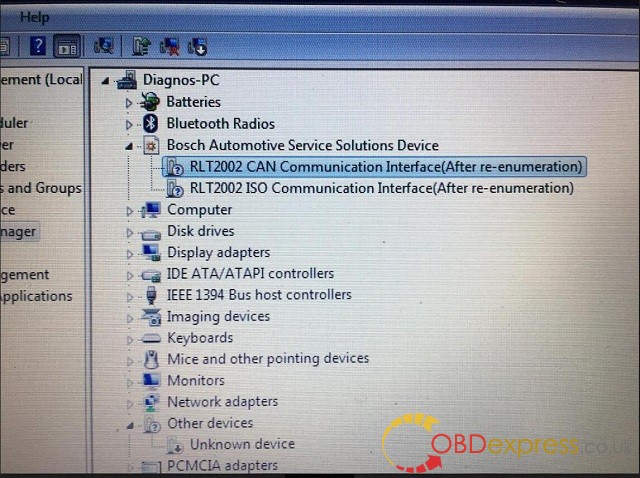
CLIP driver installation completes after running Crack Renault CLIP, installing Renault CLIP software, setting up CLIP properties, registering CLIP. Here goes to install CAN CLIP v163/v162driver software…. The driver software is automatically installed Open computer management select Device manager->Bosch automotive service solution device->18-alliance vehicle communication interface 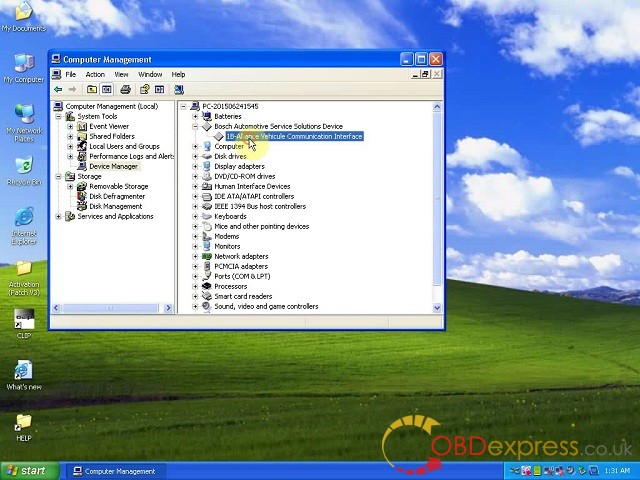
close Computer management
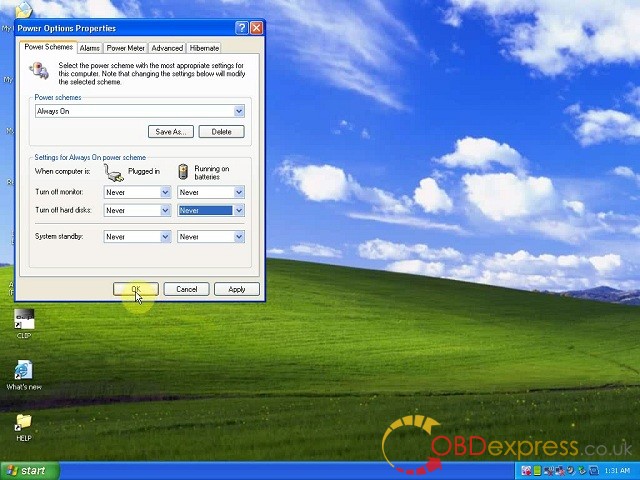
Open Display properties Go to screen saver->power and setup: power scheme: Always on Turn off monitor: never, never Turn off hard disk: never, never System standby: never, never Click on Apply, then OK to exit
if the driver has been set up as above, try run CLIP again. If the error message remains, please try the solutions below.
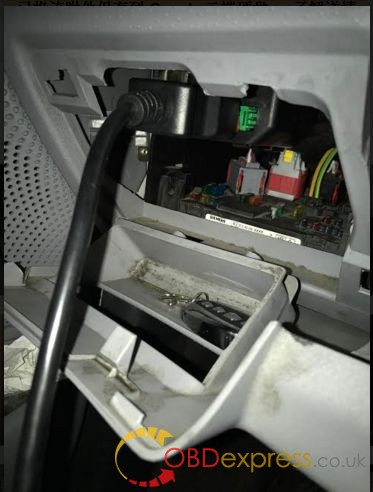
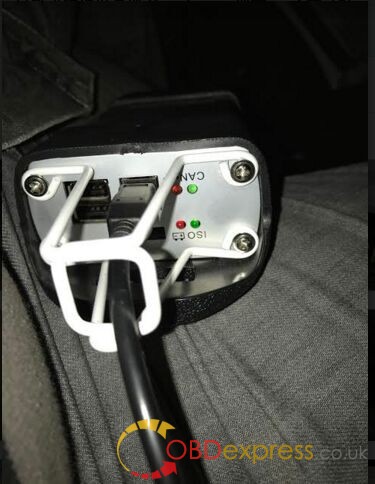
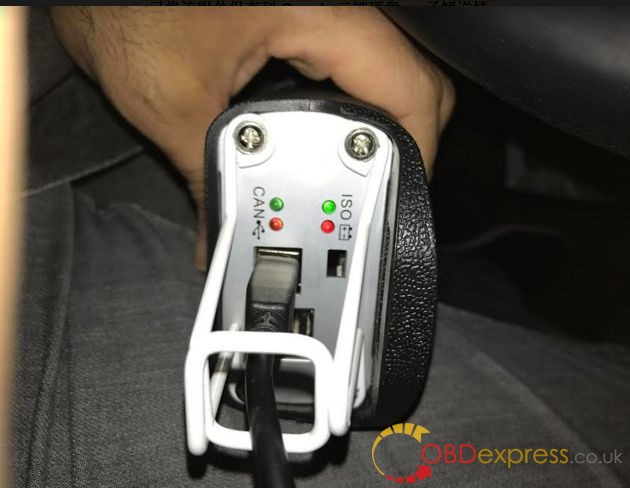
2nd, check the connection of the Renault can clip diagnostic tool and the car. Using the OBD-II cable to connect the can clip the unit to the OBD port on the car And if all is well connected, the four LEDs should be lighted.
Good luck!
source from :http://blog.obdexpress.co.uk/2020/08/13/how-to-fix-renault-can-clip-no-sensor-detected-error/ |
|
| ( 心情隨筆|工作職場 ) |