字體:小 中 大
 |
|
|
|
| 2022/02/12 12:28:29瀏覽135|回應0|推薦0 | |
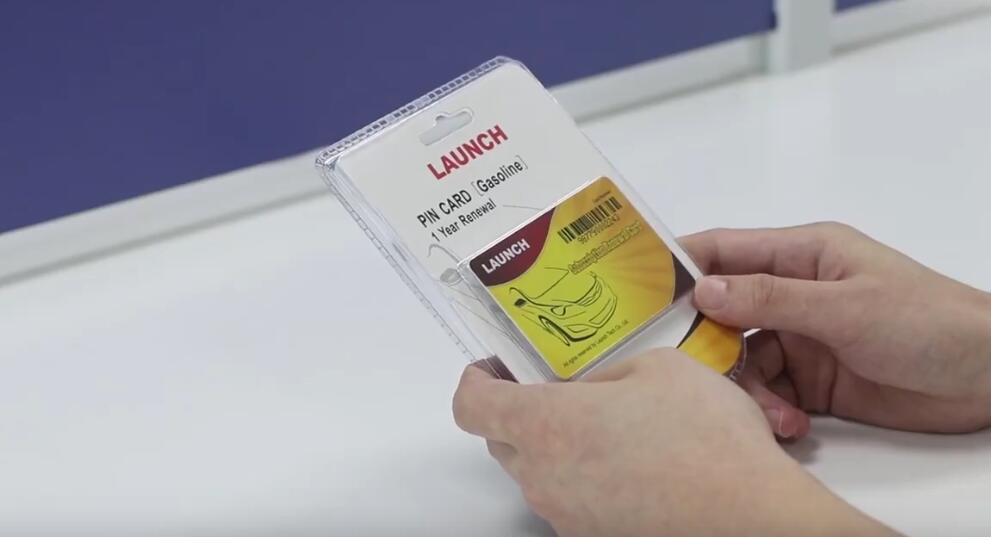
If your subscription has expired, you may need to purchase a Launch X-431 subscription renewal card. But many users still don’t know how to update the car software. This is what the article speaks of.
How to use Launch Renewal Card? Step1. Update X-431 app version to V3.00.004 or later.
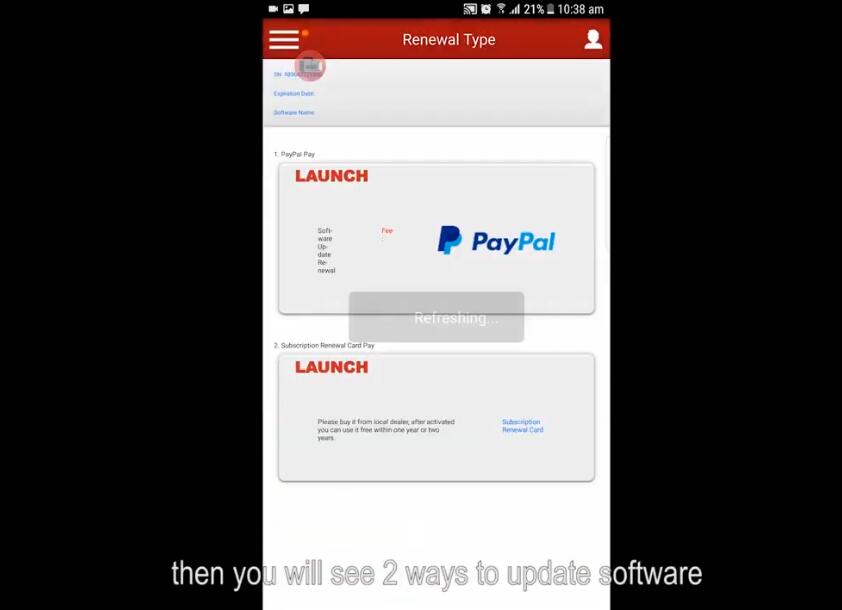
Step2. Log in X-431 account, check whether the serial number is correct, click “Renewal”.
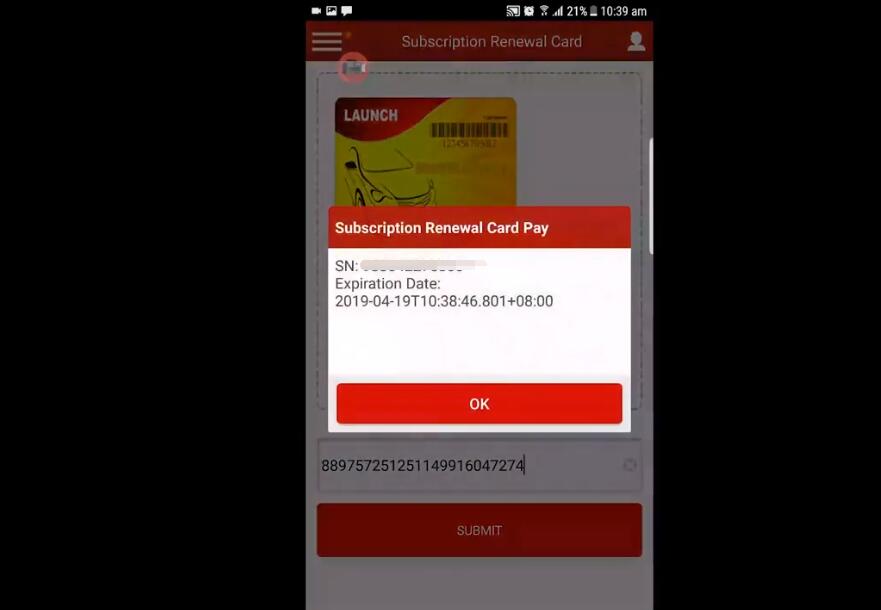
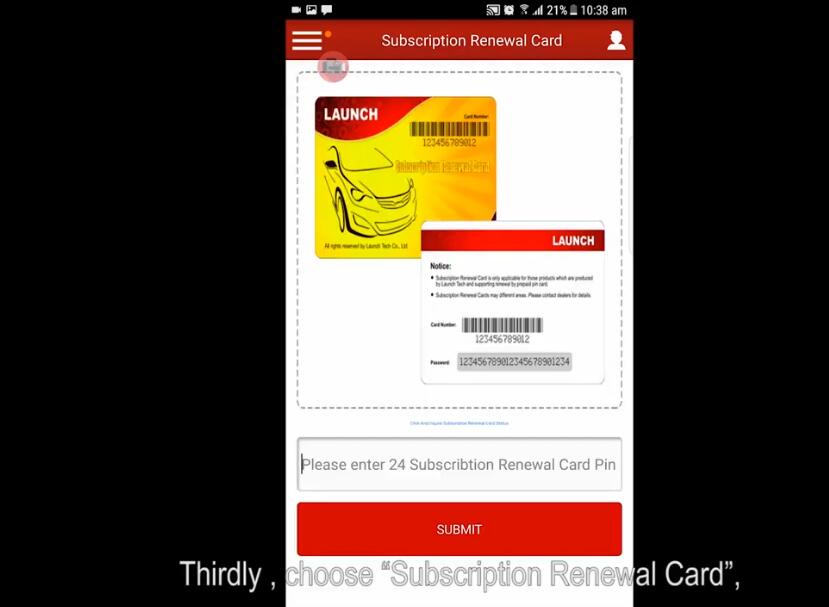
Step3. There are 2 ways to update software, click “Subscription renewal card”, submit the renewal card password. After successful activation, a new software expiration date will be displayed.
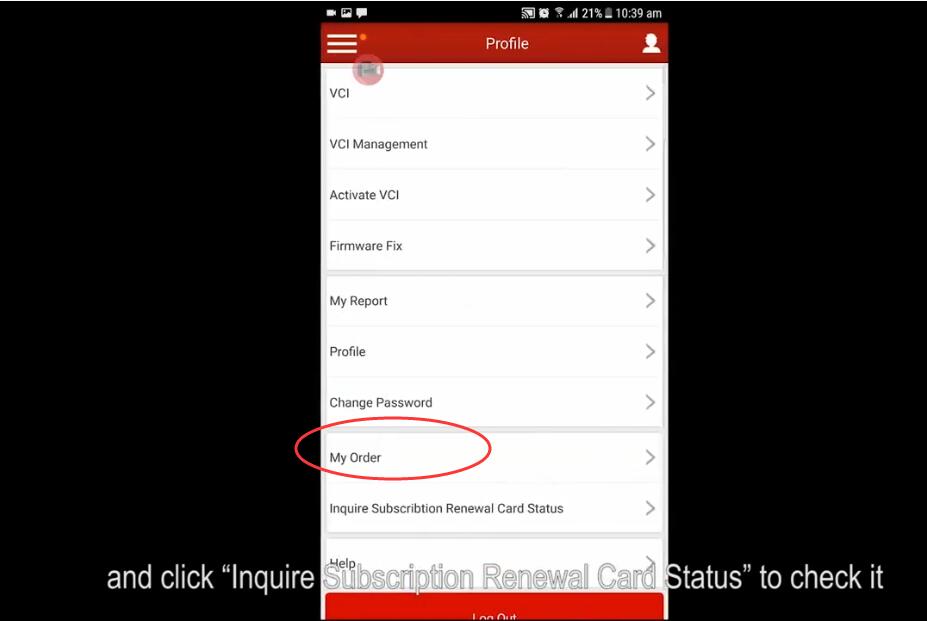
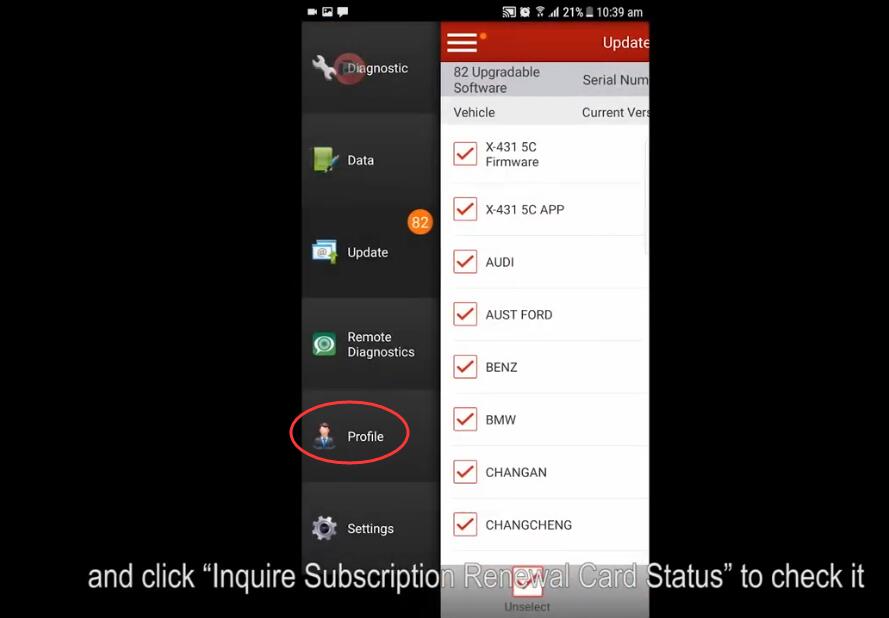
Tip: To check pin card or purchase info, go to “Profile >> My order/ Inquire subscription renewal card status”.
Launch X431 Subscription Renewal Card 1 Year Update Service 1 Year Update Service |
|
| ( 心情隨筆|心情日記 ) |