字體:小 中 大
 |
|
|
|
| 2026/05/21 00:02:16瀏覽109|回應0|推薦0 | |
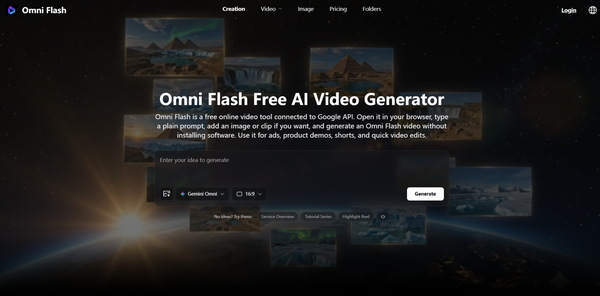
Google shipped Gemini Omni Flash on May 19, 2026. It's the company's new video model — type a prompt, get a 10-second clip with synced audio. The reveal was the headline of I/O this year, and the rollout went live the same day across the Gemini app, Google Flow, and YouTube Shorts . Here's the catch most coverage skipped: native access is gated behind Google AI Plus, Pro, or Ultra. If you're a casual creator who just wants to see what the model does before paying a monthly fee, the official path isn't great. That's why pay-as-you-go wrappers around the Google API have started filling the gap. Omni Flash is one of them. It runs in the browser, hands out free credits on signup, and uses one-time payments instead of a subscription if you want more. The output is the same Gemini Omni Flash model — it's the access layer that's different.
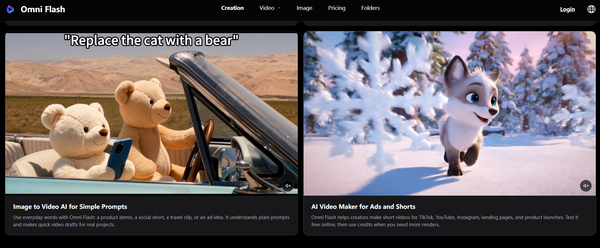
What it actually does Type a prompt, get a short video. Or upload a photo and animate it. You can also pass in a reference clip to keep the style consistent. Outputs come in 16:9 for landscape and 9:16 for vertical, which covers TikTok, Reels, Shorts, and most product-demo formats. Clips are 10 seconds out of the box — a Google-side limit, not a wrapper choice. What you get from a prompt Try something like "a small black cat jumping into a cardboard box, soft afternoon light through a window." You'll get a 10-second clip with the motion, the lighting cue honored, and audio that matches — paw sounds, the soft thud of landing. Two real caveats worth knowing. First, every clip gets Google's SynthID watermark baked in. It's invisible to the eye, but anyone with a scanner can tell the video is AI-made. Second, you can't edit speech or audio inside the generated clip yet — Google held that capability back at launch. If you need a voiceover, you're still adding it in CapCut or your editor of choice. How it stacks up against the usual options Before this, the free-tier picture was honestly a mess. Veo 3.1 is still the quality benchmark, but it's part of the same Google family — same gating problem. Runway's Gen-3 Alpha is more pro-oriented, with an interface that assumes you know what you want. Pika has a free tier with hard limits, Kling 3.0 leans into multi-shot storyboards and native audio, and Hailuo gives out 3 to 5 free generations a day on a model that's good but isn't Omni. The point isn't that one is the "best." It's that if you specifically want to try the new Google model without the subscription, the wrapper route is the cleanest one in May 2026. It's free to try
The free credits don't last forever if you're testing a lot. Three or four prompts in and you'll probably hit the limit. But that's enough to know whether the model fits what you're trying to do before any money changes hands. Who's actually using this
A few tips if you try it Be specific. "A cat in a box" gets you something generic. "A small black cat, slow motion, jumping into a cardboard box on a wooden floor, soft side light" gets you something useable. Camera angle, lighting, and motion are the words that matter.
Use a reference image when you can. Style consistency is the hardest part of any AI video model. A reference locks in the look so the model isn't guessing. Pick your aspect ratio upfront. Going from 16:9 to 9:16 after the fact is a crop, not a regenerate — you'll lose framing. Choose 9:16 first if it's for vertical. Plan for the audio gap. You'll get ambient sound and effects, but no spoken voiceover. If your video needs narration, do it in your editor after. The interesting thing about Omni Flash and tools like it isn't the model itself — that's Google's. It's that the gap between "Google announced something" and "regular people can actually try it" used to be months. Now it's hours. |
|
| ( 時事評論|政治 ) |