


 字體:小 中 大
 |
|
|
|
| 2020/09/04 15:58:46瀏覽115|回應0|推薦0 | |
Question:I just updated my VCX Nano to the latest software 1.8.0 and now GDS2 will not run. Is there an update to GDS2 that will run with 1.8.0 and have valid leases? Answer: After installing GDS, you need to download and install this patch file to run GDS: (Otherwise it will appear NO VALID LICENSE FOUND error ) https://mega.nz/file/aUxxCbYR#fa1m1FdJubOkrLGl3plPqYeOiegc4BZZ1af2YJ1FCxs Size: 3.3 MB Password: No need 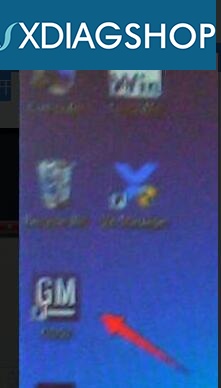
Image 1: the GDS2 patch Important 1. be sure to download the patch to the local disk (C:), if you copy it on the desktop, GDS2 won't be cracked. 2. Ensure a fresh installation. Then, everything will work as it should. Even you connect to your vehicle for about half an hour or more time and it will be good. 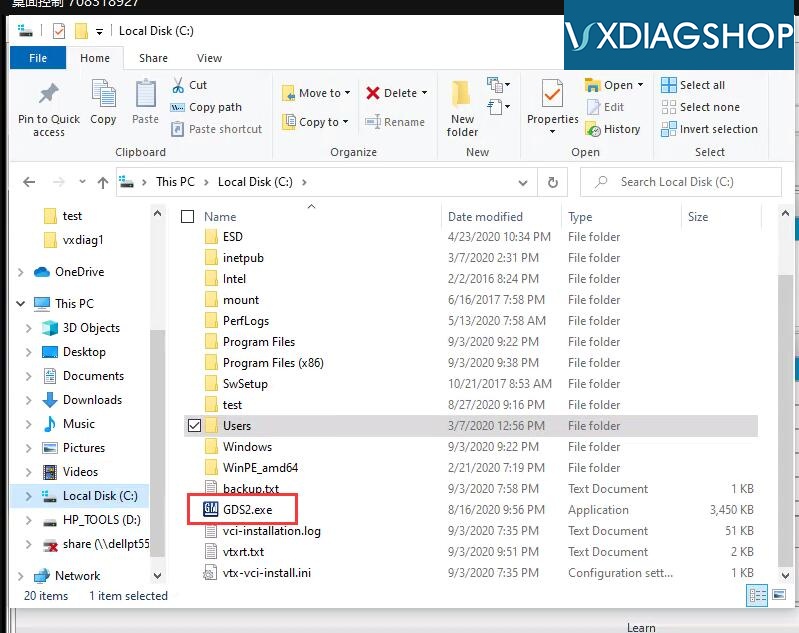 Image 2: download the patch to the local disk (C:) 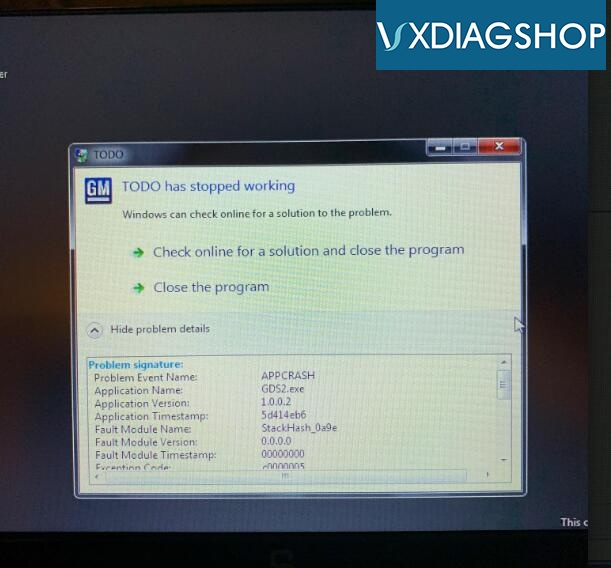
Image 3: GDS2 won’t be cracked if the patch is not in the local disk (C:). Customers feeback: VXdiag VCX Nano tech support https://www.vxdiagshop.com/ |
|
| ( 不分類|不分類 ) |


